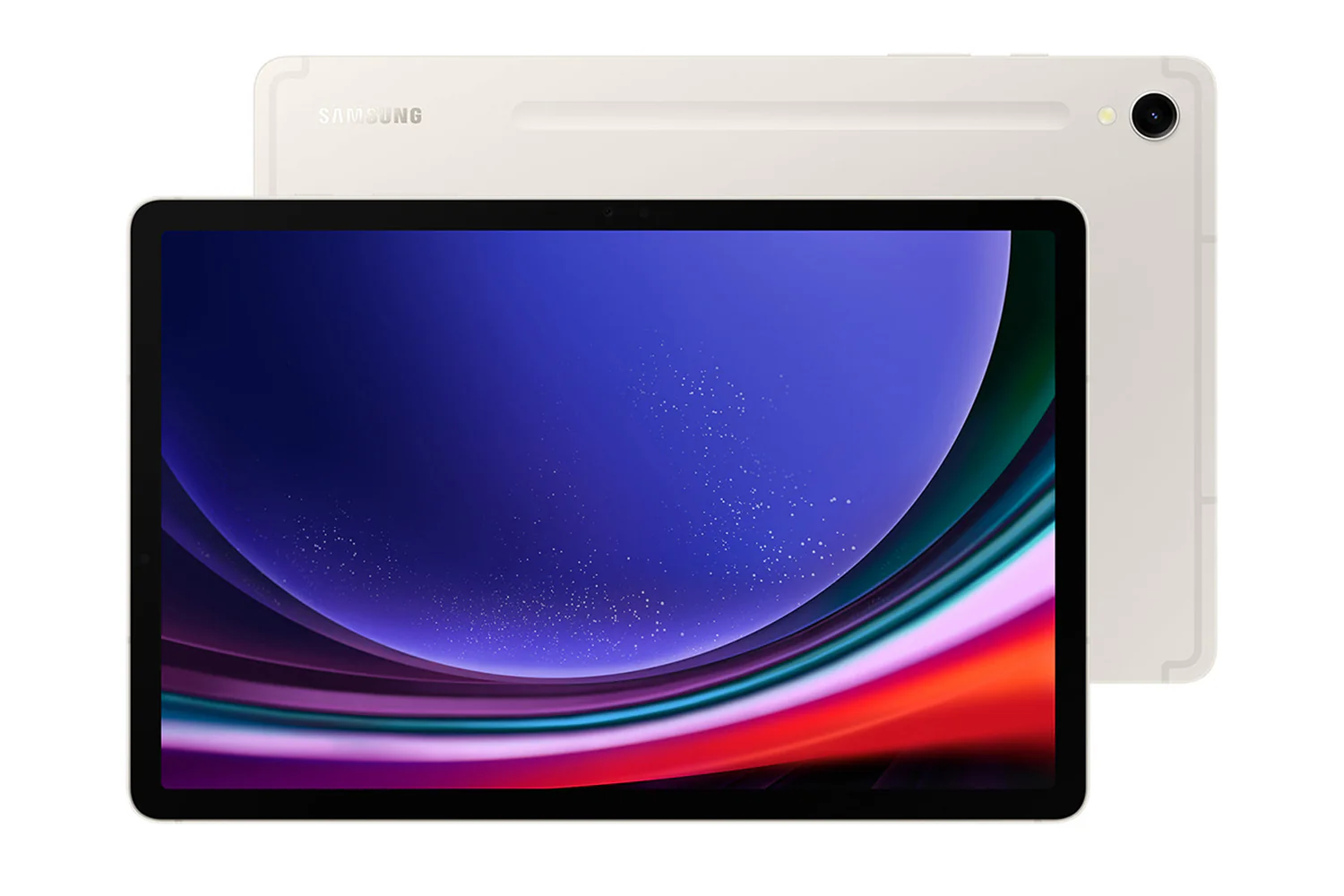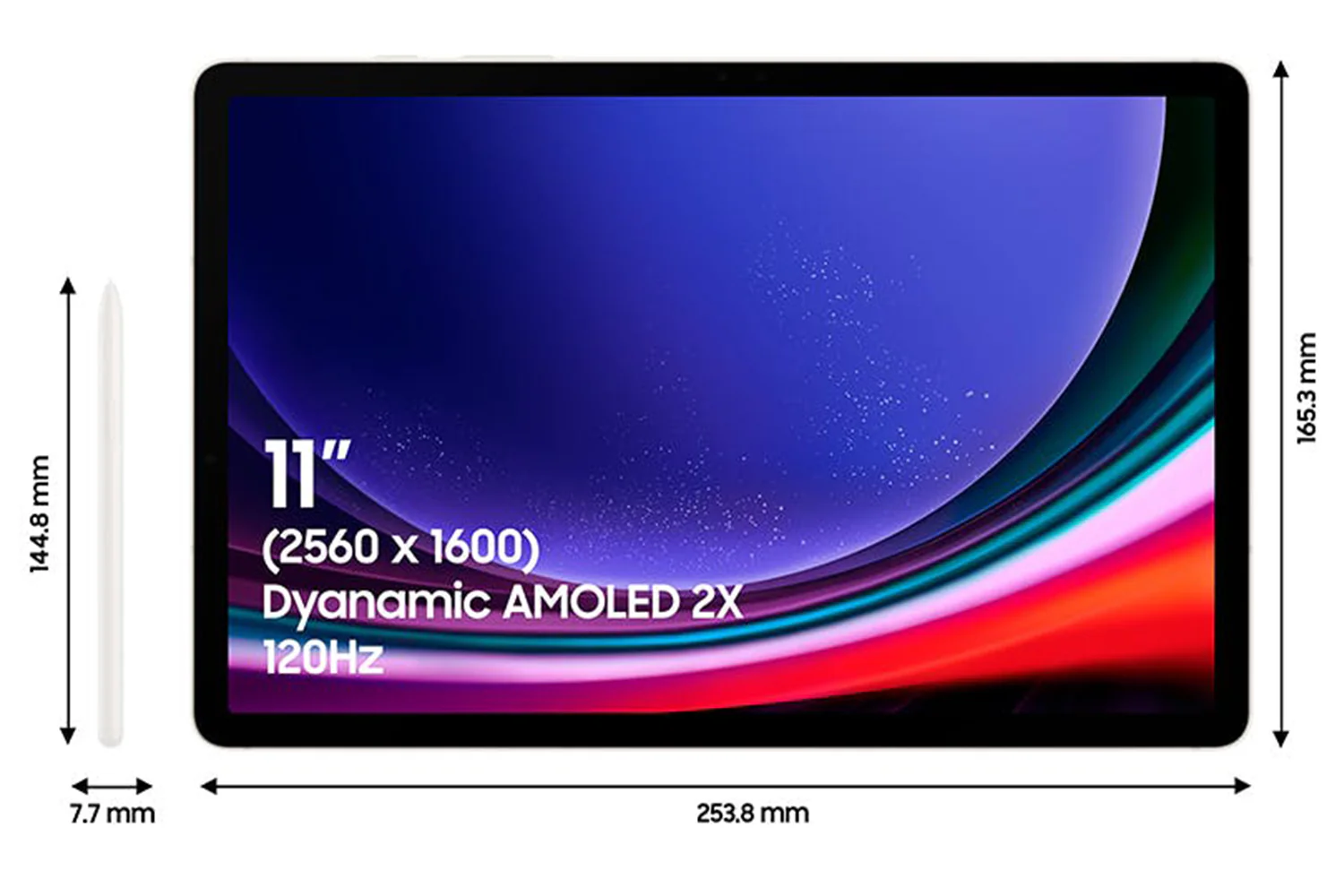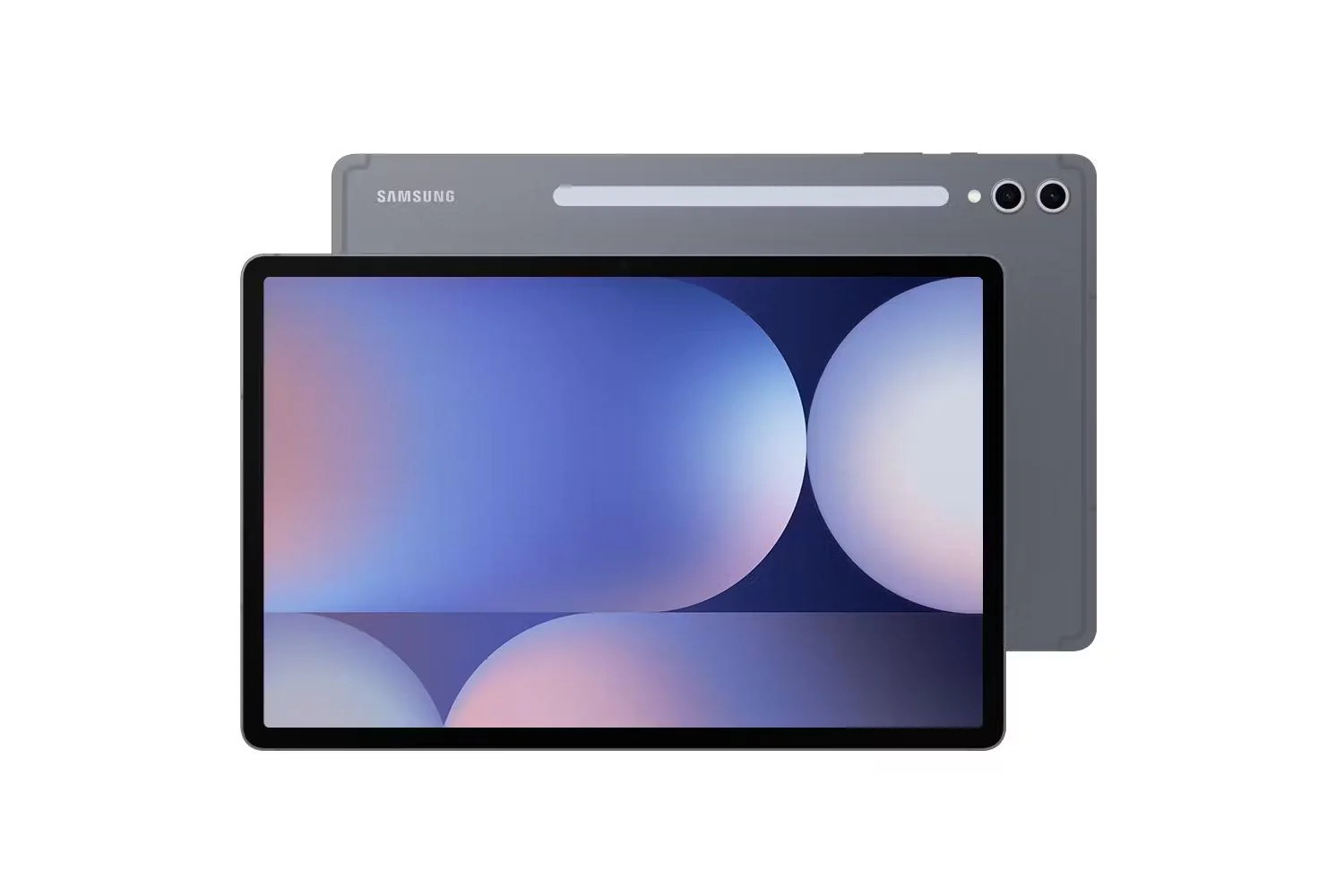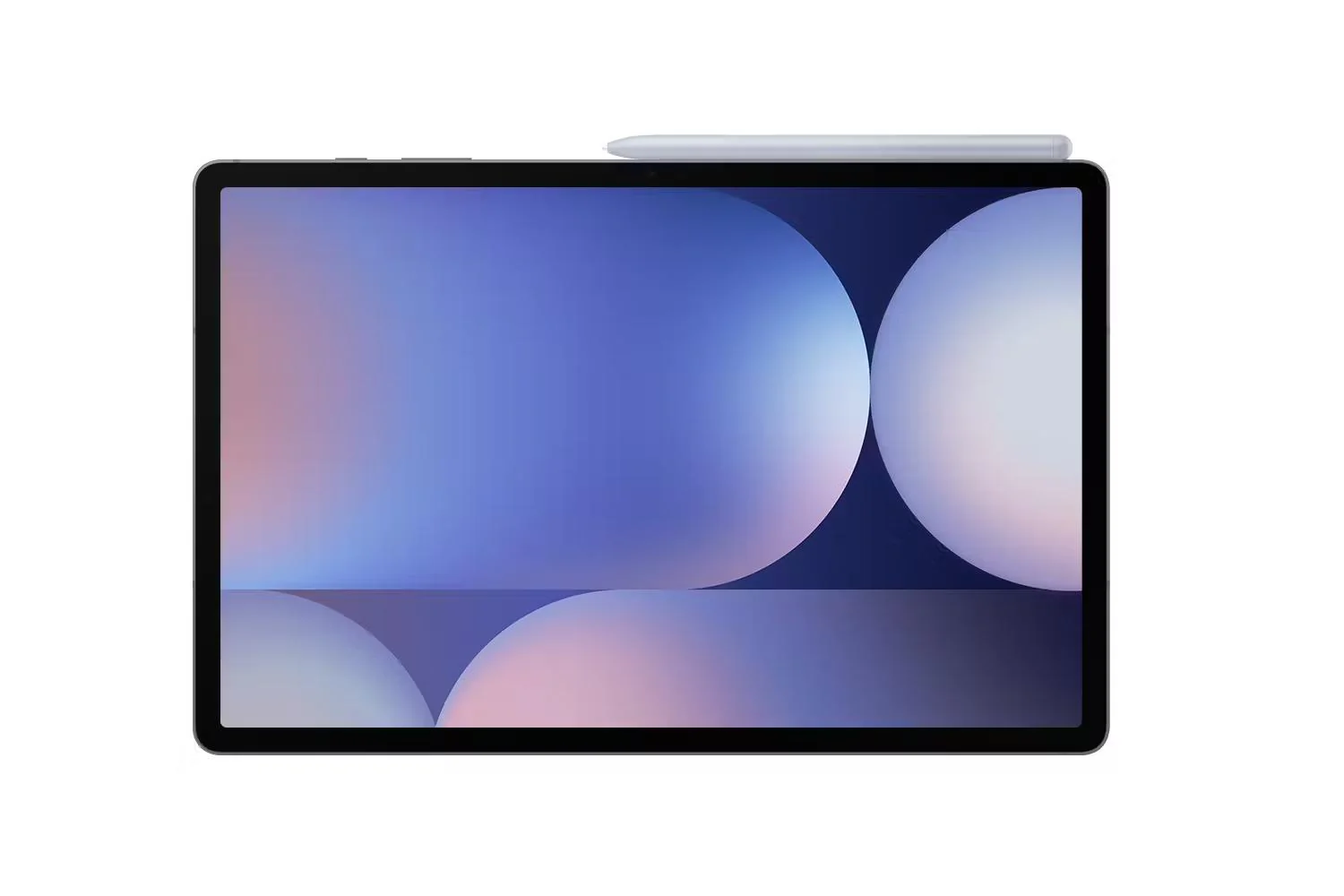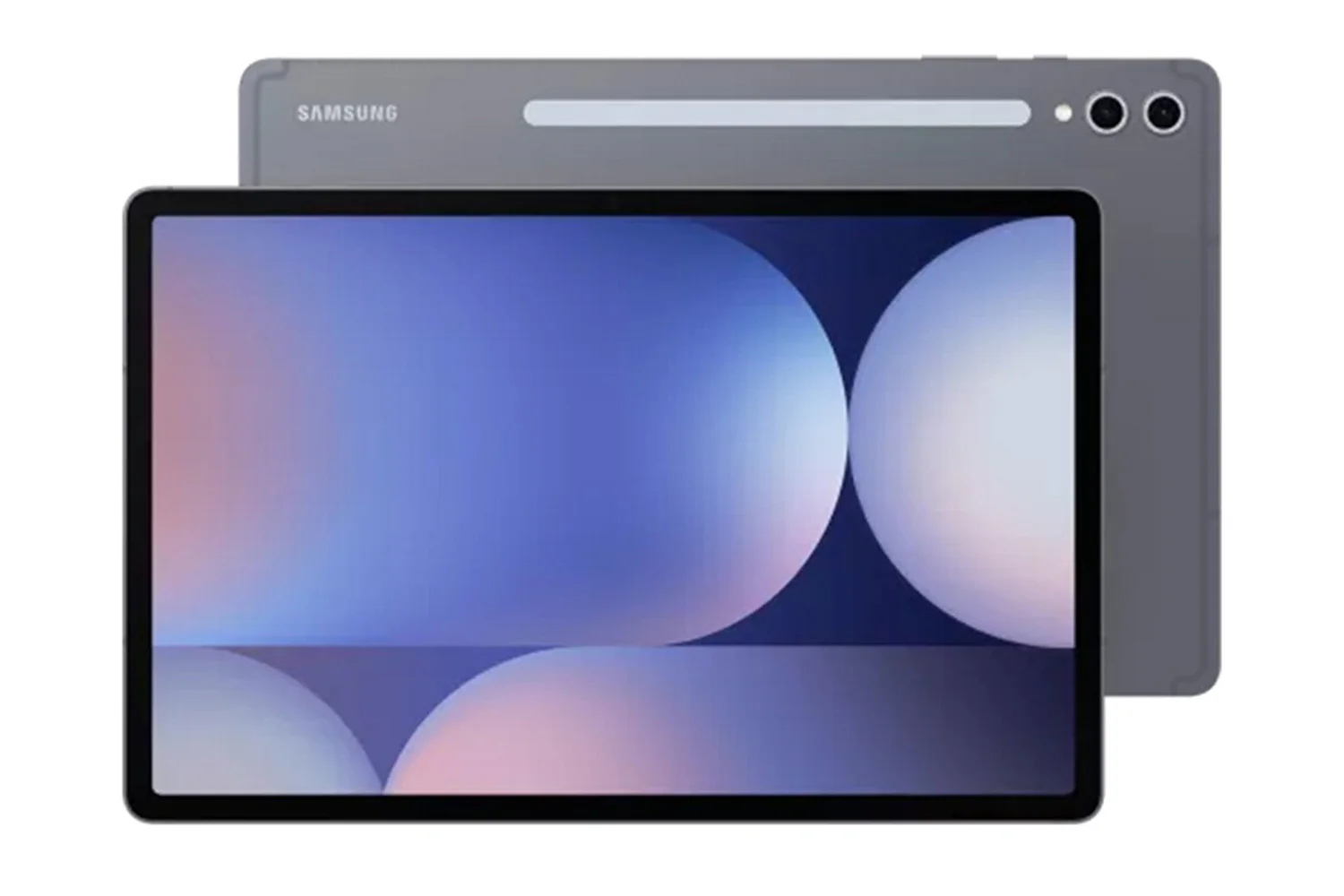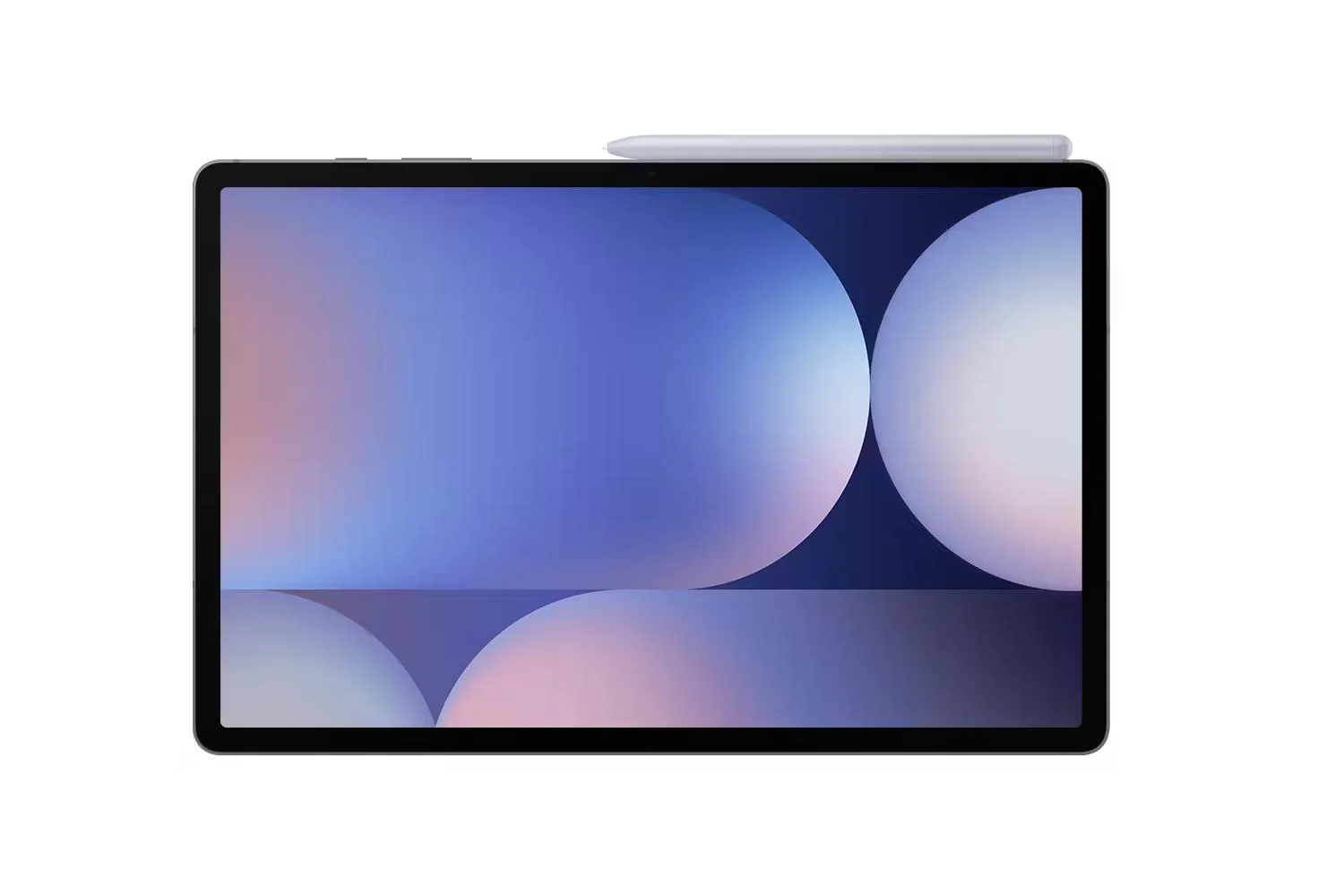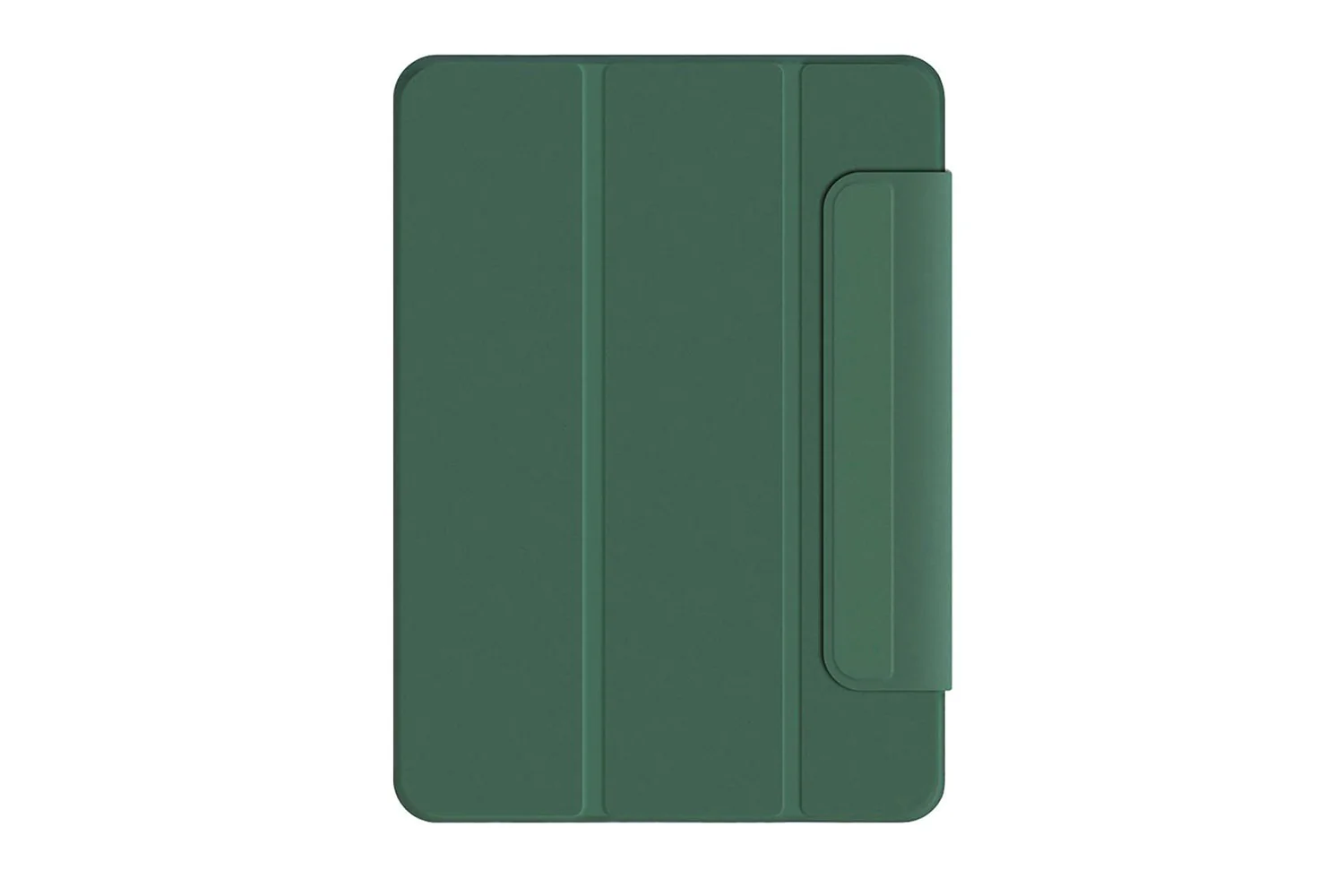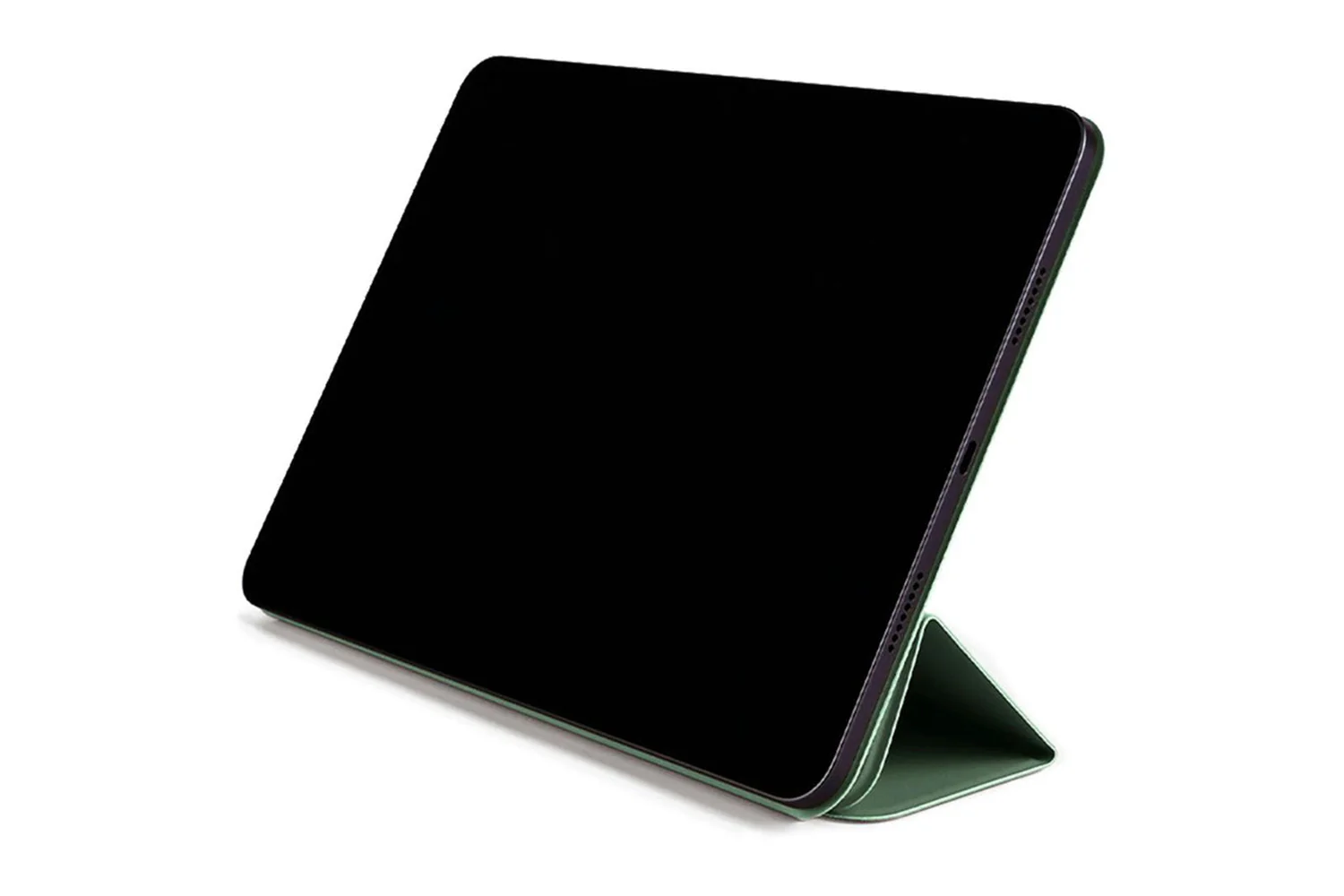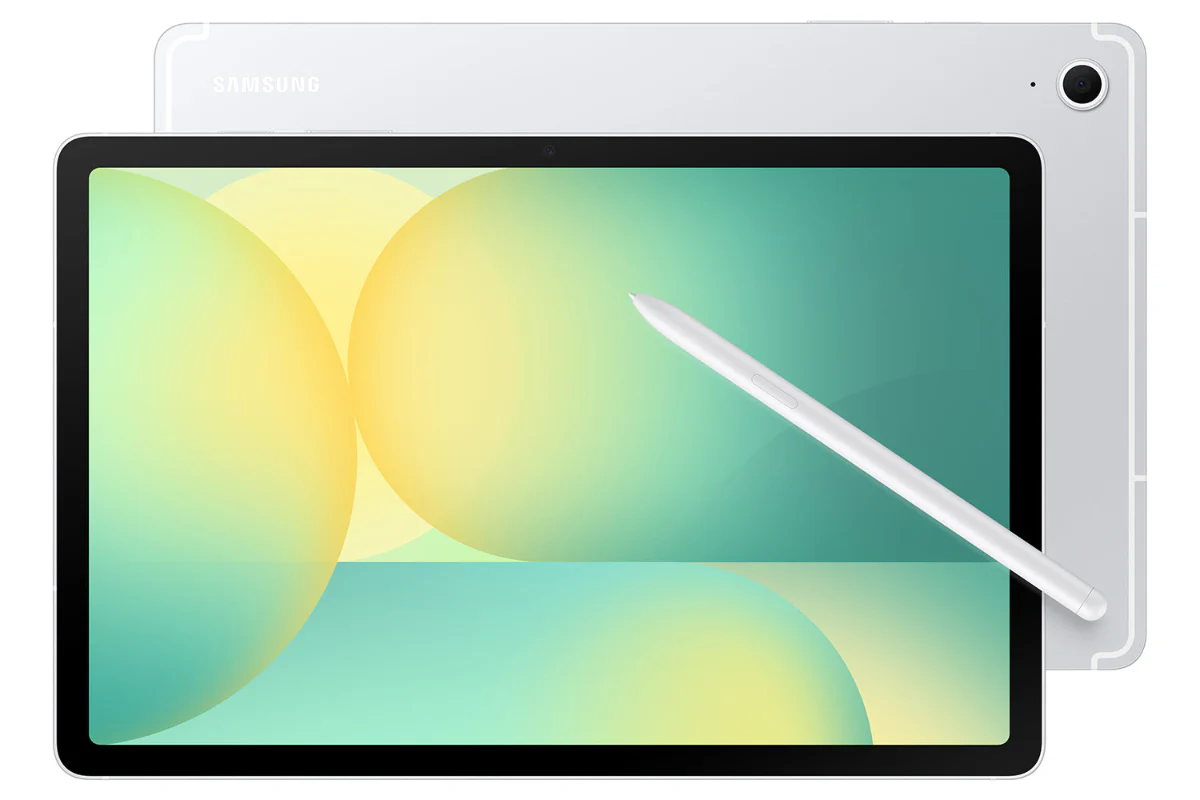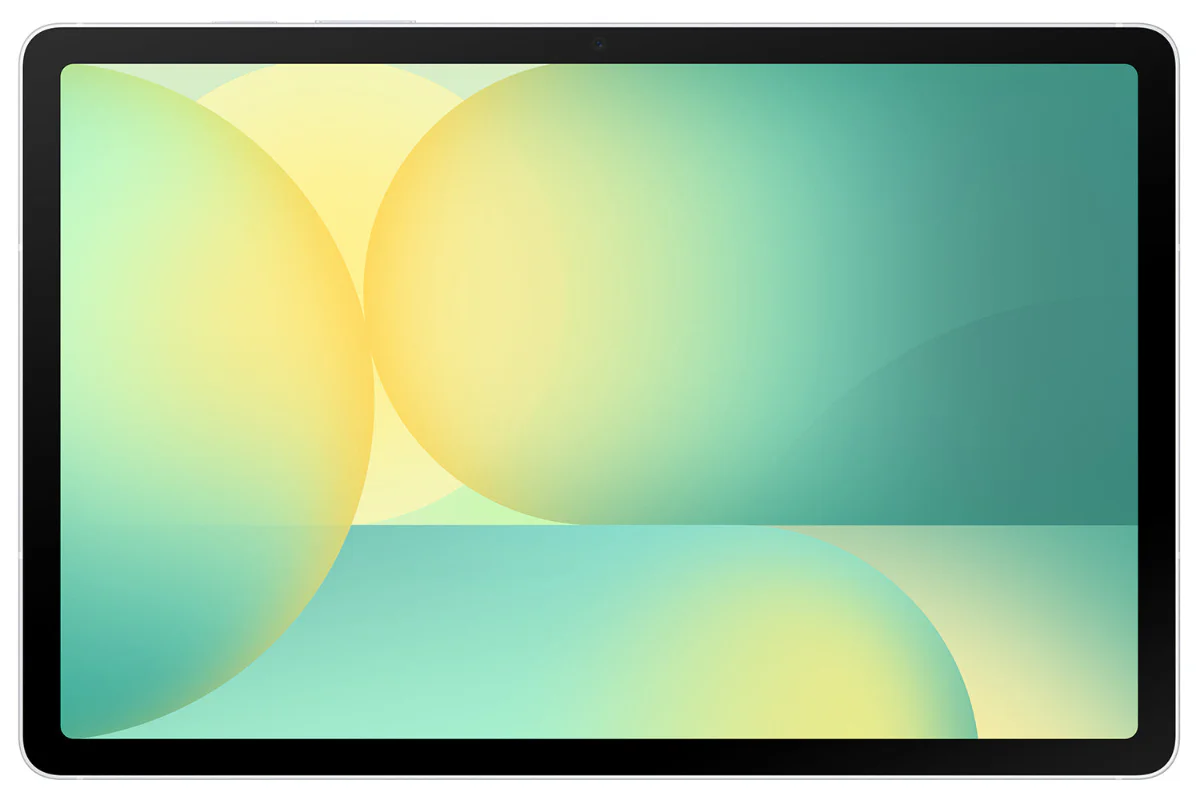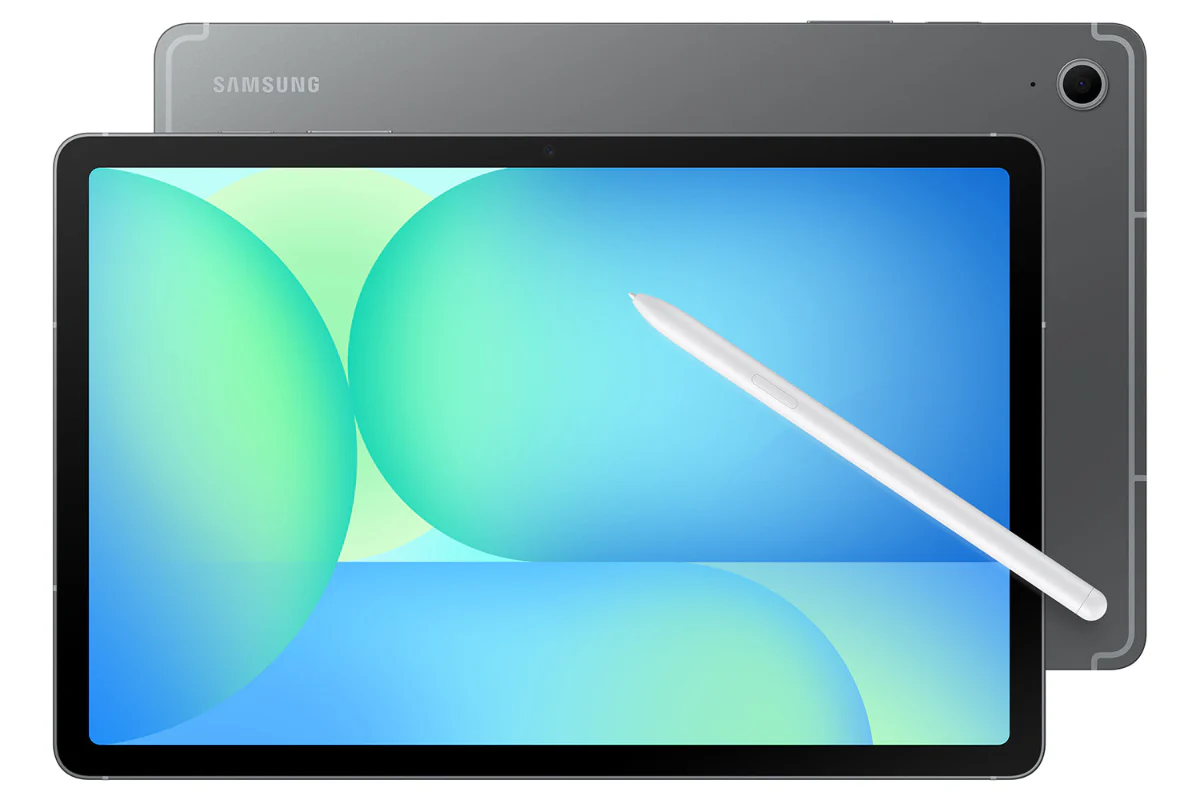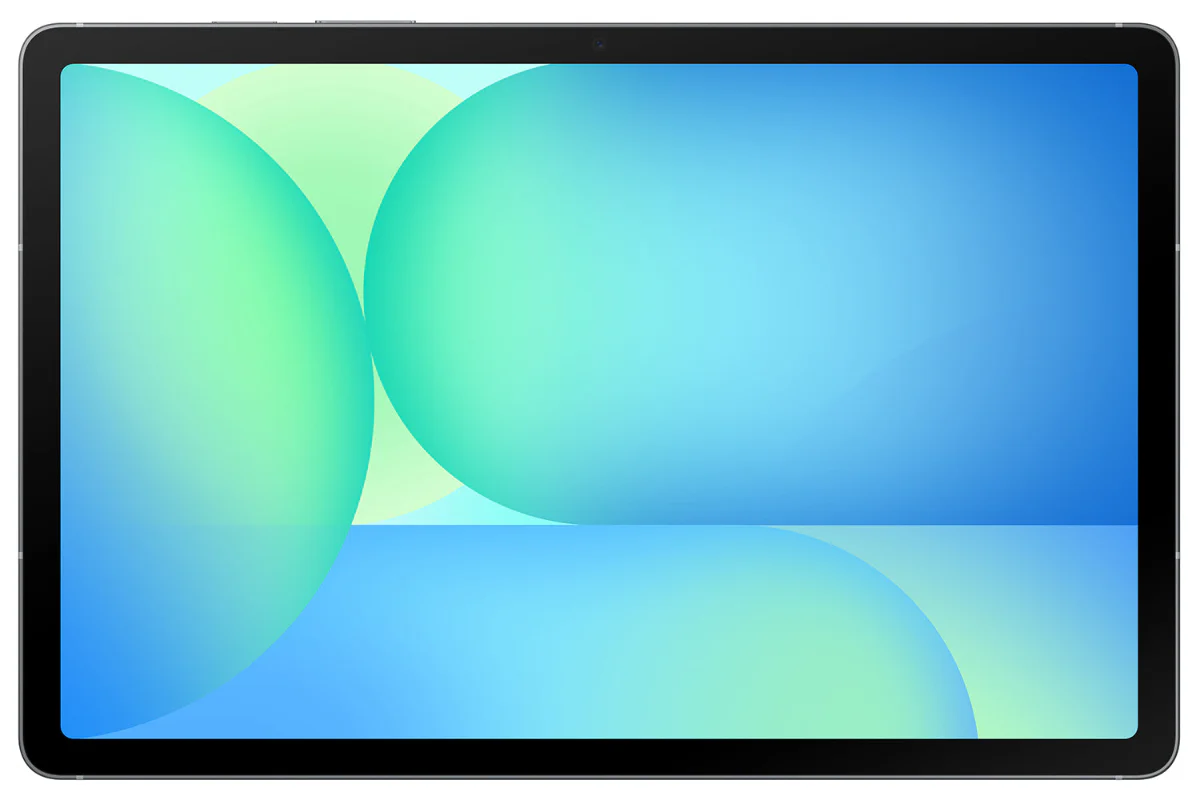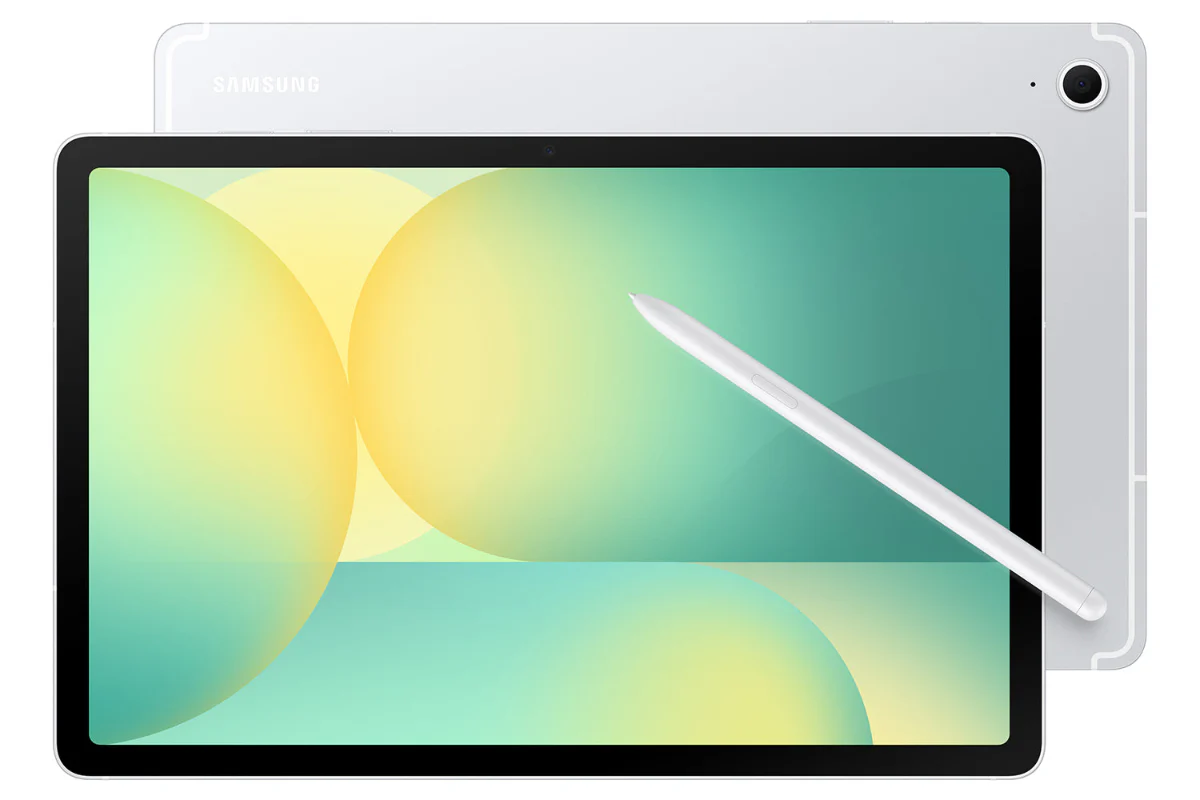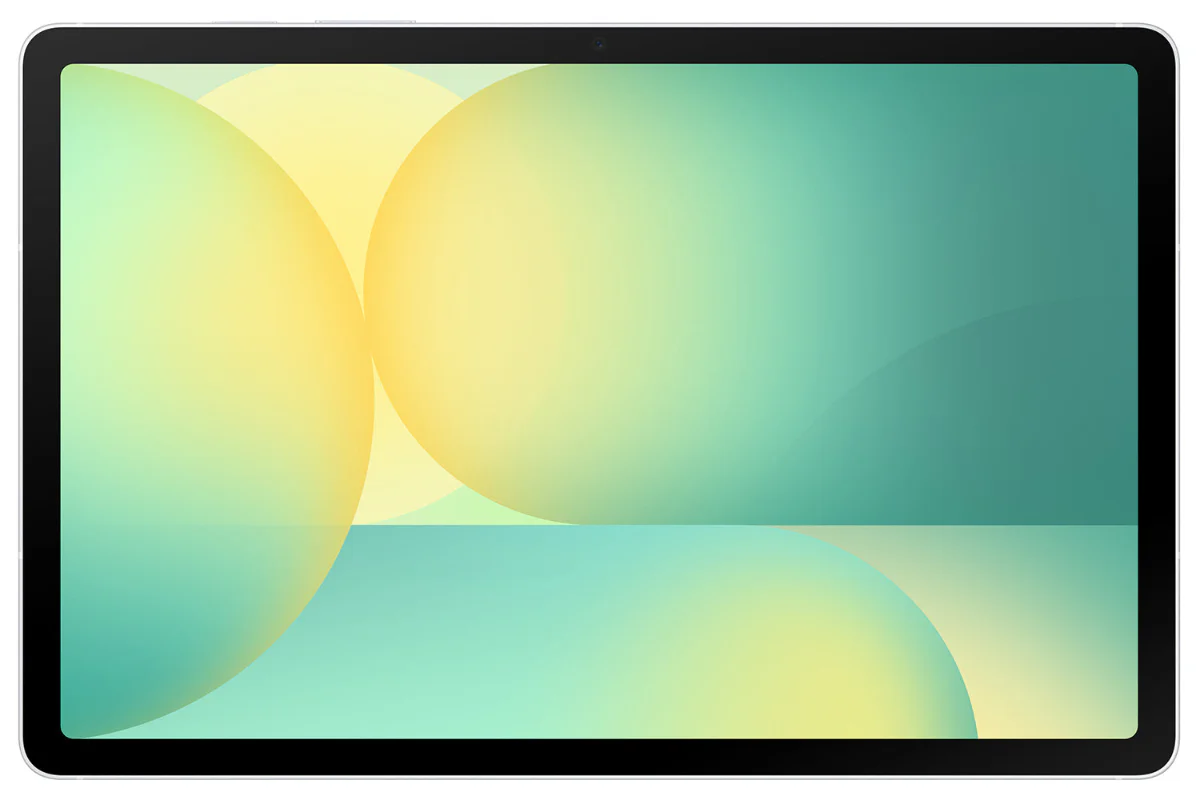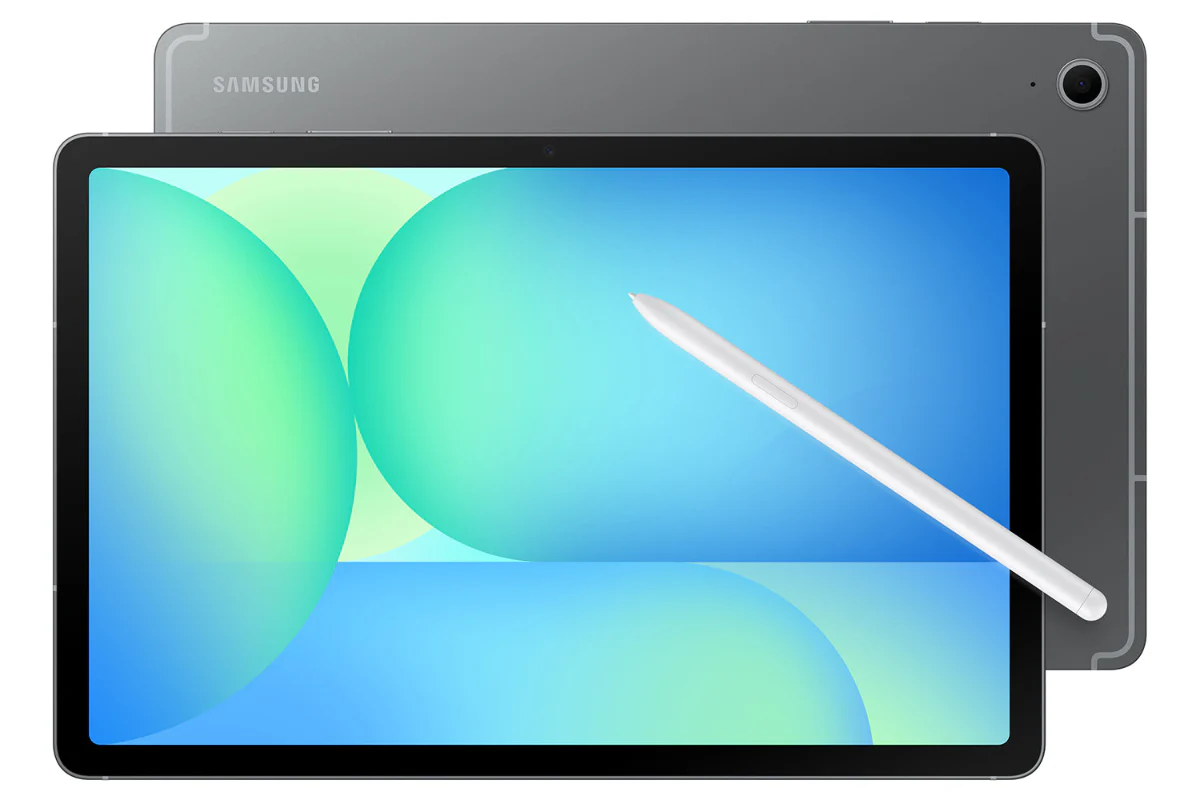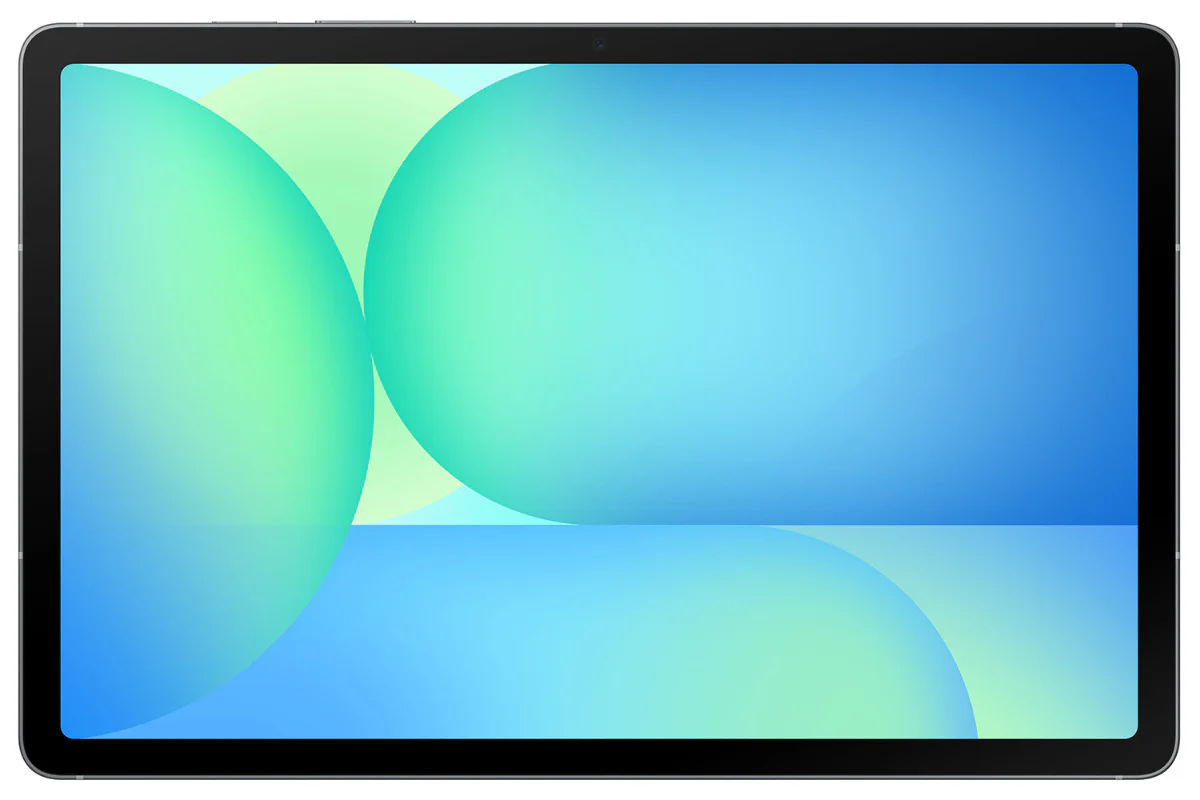




Samsung Galaxy Tab S11 Ultra 14.6" Octa-Core | 12GB | 512GB | Grey
Check out the video:
Slimmer and Lighter than Ever
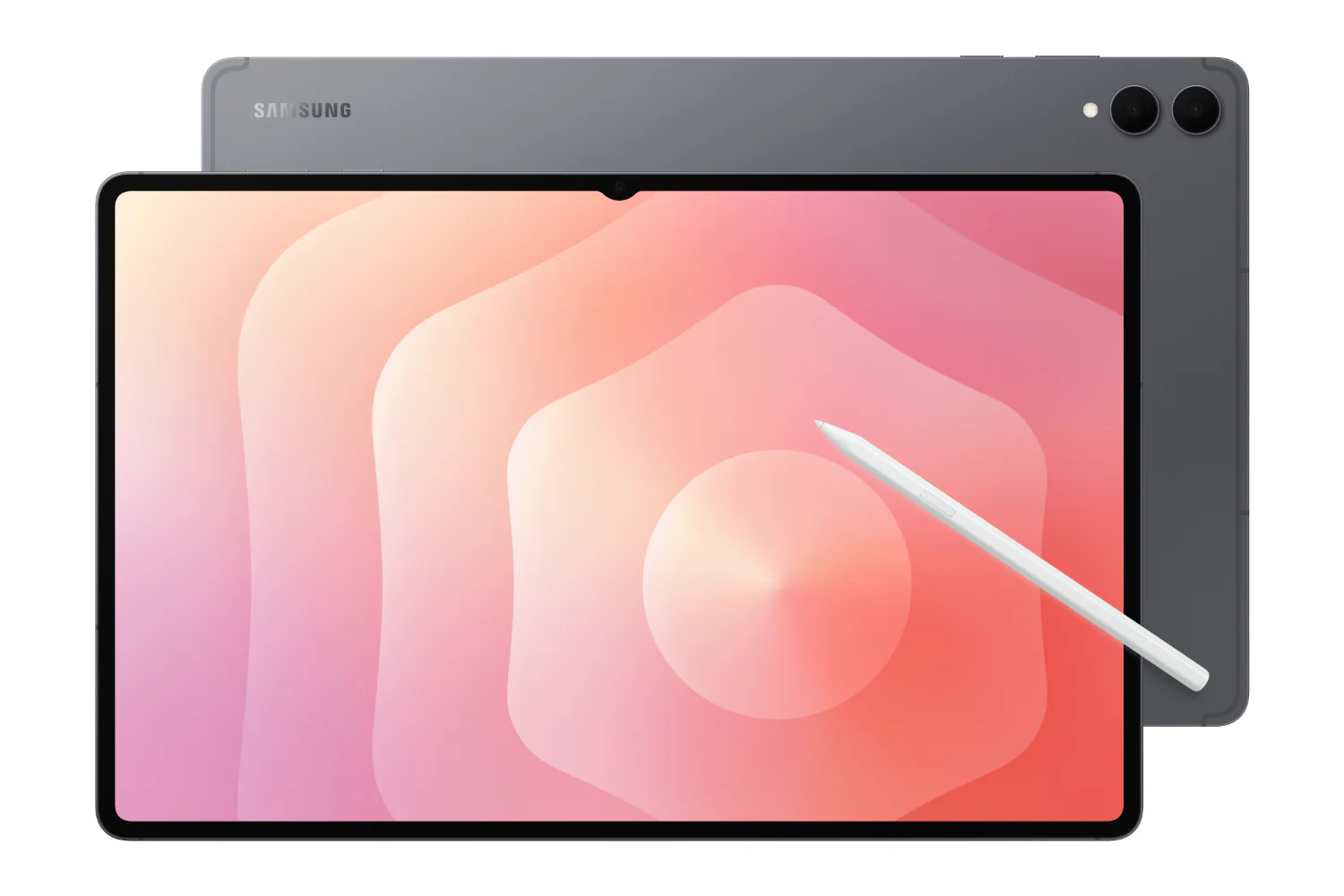
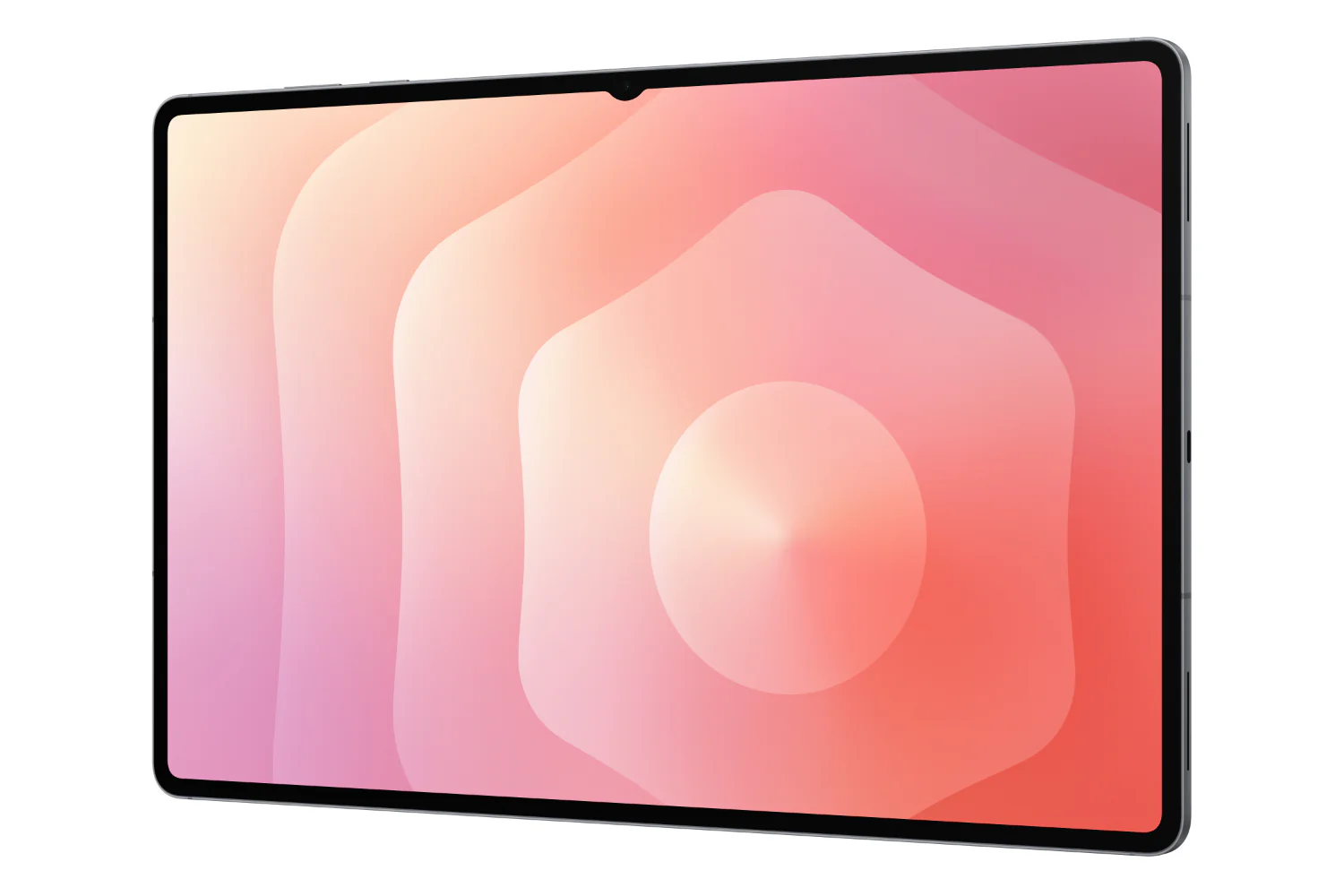
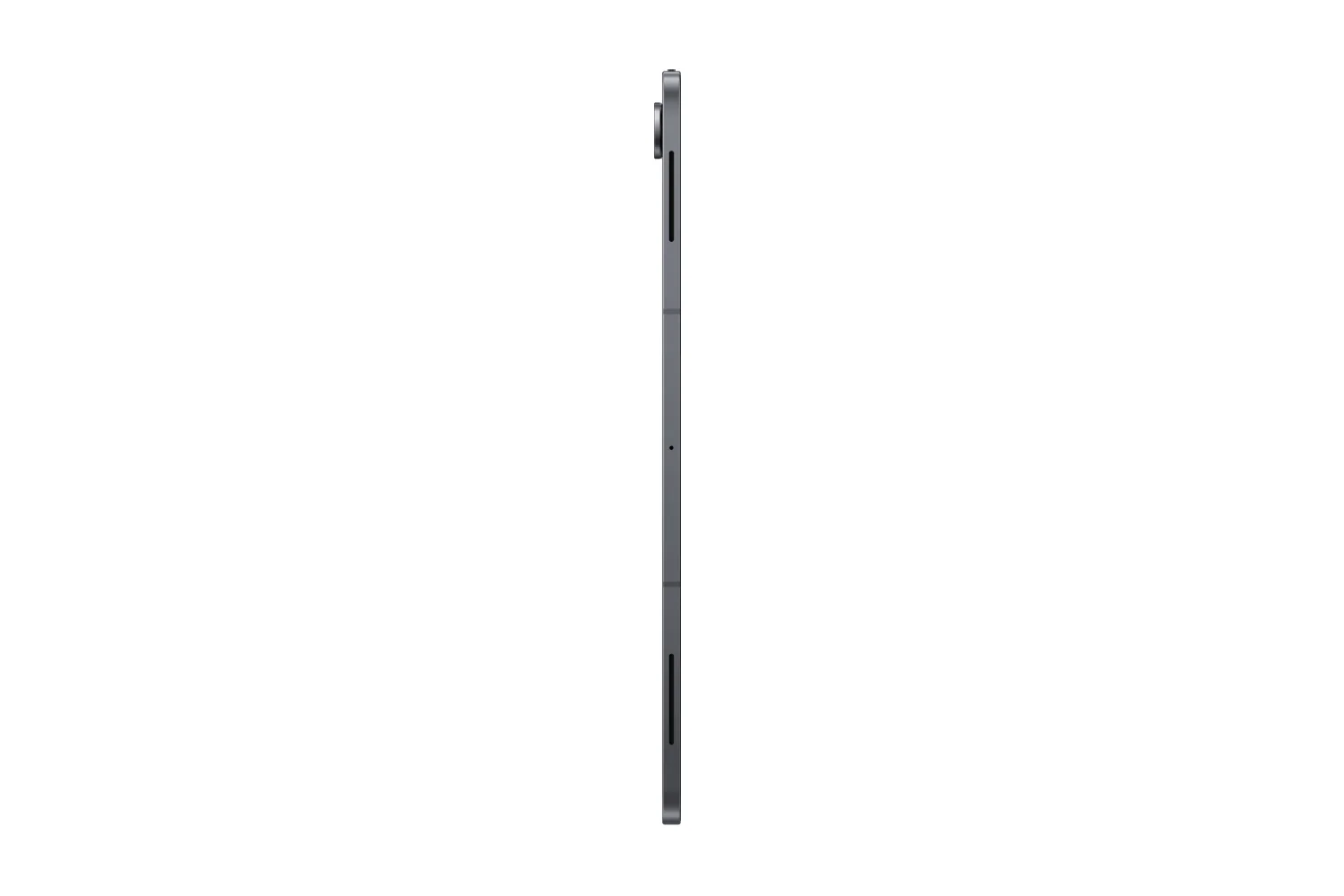
Packing powerful AI features in a super slim, lightweight design, Galaxy Tab S11 Ultra is a productivity powerhouse everywhere you go. Its massive display and charge-less, hexagon-shaped pen make Galaxy Tab S11 Ultra the ultimate creative companion when you need it. And its lightweight, slim, design make it effortlessly portable when you're on the move.
Galaxy Al Meets Next-gen Productivity
Check out the video:
Talk to Google Gemini About Anything you See
Use screen sharing on your Galaxy Tab S11 Ultra to get information in real time with Gemini Live. Just long press the side button to get started and share your screen with Google Gemini to ask for advice. It may even ask you questions, prompting a free-flowing conversation that can help you get the answers you're looking for.
From Idea to AI-sketch to Notes, Instantly
Just sketch it, and let AI take it from there. With Drawing Assist, your rough drawing is transformed into a polished AI-generated image in seconds. Once it's ready, drop it into Notes to keep your ideas going. Quick, simple, and seamless.[1]
1.Drawing Assist feature requires a network connection and Samsung Account login. *A visible watermark is overlaid on the image output upon saving in order to indicate that the image is generated by AI. *The accuracy and reliability of the generated output is not guaranteed.
Check out the video:
Smarter Writing, made Simple
Writing Assist helps you refine and transform your text in seconds. Effortlessly draft, craft and revise any piece of writing to match your intended meaning and turn thoughts into polished, ready-to-use content. Adjust the style and tone with a few taps, to convey your message just the way you want it. Then easily drag and drop the enhanced version into one of many supported apps in your workspace.[2]
2. Writing Assist requires a network connection and Samsung Account login. *Must meet length requirements to activate feature. Service availability may vary by language. *Accuracy of results is not guaranteed.
Extreme AI Power Heavyweight Performance
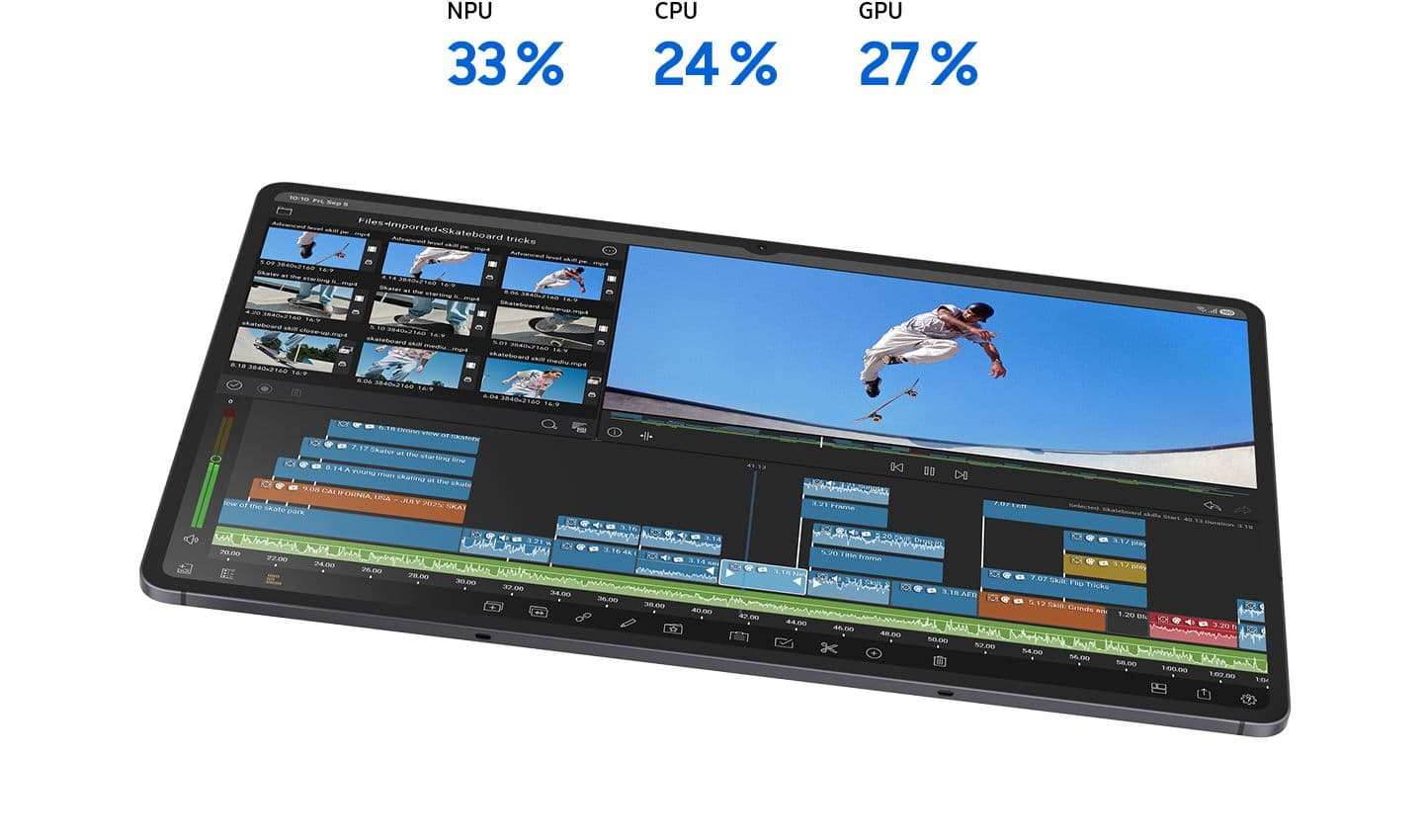
Fuel every moment with ultra-fast performance, now enhanced for AI. Galaxy Tab S11 Ultra’s upgraded processor works to deliver stunning graphics, smooth multitasking and next-level speed. Improved NPU, CPU and GPU let you experience silky smooth scrolling and ultra low lag as you seamlessly switch between all your favourite features, apps and content in the blink of an eye.[3]
3. The enhanced performance figures are based on a comparison of Galaxy Tab S11 Ultra to Tab S10 Ultra.*Actual performance will depend on user environment, conditions and pre-installed software and applications.
Check out the video:
Productivity Powerhouse with Samsung DeX
Samsung DeX lets you extend your Galaxy Tab S11 Ultra’s display to create a seamless multitasking environment of up to 4 workspaces. Move apps freely and easily between screens to keep your workflow smooth and efficient. Increase your productivity with a multi-screen experience as you drag and drop windows between screen, or enjoy content saved to your Galaxy Tab S11 Ultra in a home-theater setting by mirroring it to your monitor.
Your Apps Your Way
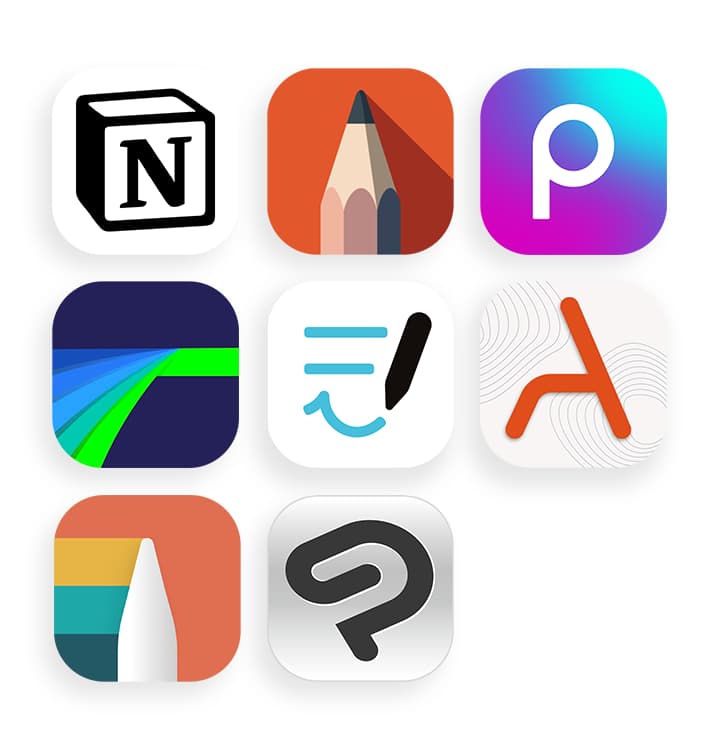
Galaxy Tab S11 Ultra comes preloaded with apps like Goodnotes, LumaFusion, Clip Studio Paint, and Notion. Making it easy to take notes, edit, draw and stay organised from the start. You’ll also have access to optimised apps like Noteshelf 3, ArcSite, Sketchbook, and Picsart, all designed to run smoothly and enhance your creative experience.
Product Features:
- Location Technology
- Accelerometer
- Gear Support
- SmartThings Support
- Software Support
- Rear Camera - Auto Focus
Original: $1,464.03
-65%$1,464.03
$512.41Product Information
Product Information
Shipping & Returns
Shipping & Returns
Description
Check out the video:
Slimmer and Lighter than Ever
Packing powerful AI features in a super slim, lightweight design, Galaxy Tab S11 Ultra is a productivity powerhouse everywhere you go. Its massive display and charge-less, hexagon-shaped pen make Galaxy Tab S11 Ultra the ultimate creative companion when you need it. And its lightweight, slim, design make it effortlessly portable when you're on the move.
Galaxy Al Meets Next-gen Productivity
Check out the video:
Talk to Google Gemini About Anything you See
Use screen sharing on your Galaxy Tab S11 Ultra to get information in real time with Gemini Live. Just long press the side button to get started and share your screen with Google Gemini to ask for advice. It may even ask you questions, prompting a free-flowing conversation that can help you get the answers you're looking for.
From Idea to AI-sketch to Notes, Instantly
Just sketch it, and let AI take it from there. With Drawing Assist, your rough drawing is transformed into a polished AI-generated image in seconds. Once it's ready, drop it into Notes to keep your ideas going. Quick, simple, and seamless.[1]
1.Drawing Assist feature requires a network connection and Samsung Account login. *A visible watermark is overlaid on the image output upon saving in order to indicate that the image is generated by AI. *The accuracy and reliability of the generated output is not guaranteed.
Check out the video:
Smarter Writing, made Simple
Writing Assist helps you refine and transform your text in seconds. Effortlessly draft, craft and revise any piece of writing to match your intended meaning and turn thoughts into polished, ready-to-use content. Adjust the style and tone with a few taps, to convey your message just the way you want it. Then easily drag and drop the enhanced version into one of many supported apps in your workspace.[2]
2. Writing Assist requires a network connection and Samsung Account login. *Must meet length requirements to activate feature. Service availability may vary by language. *Accuracy of results is not guaranteed.
Extreme AI Power Heavyweight Performance
Fuel every moment with ultra-fast performance, now enhanced for AI. Galaxy Tab S11 Ultra’s upgraded processor works to deliver stunning graphics, smooth multitasking and next-level speed. Improved NPU, CPU and GPU let you experience silky smooth scrolling and ultra low lag as you seamlessly switch between all your favourite features, apps and content in the blink of an eye.[3]
3. The enhanced performance figures are based on a comparison of Galaxy Tab S11 Ultra to Tab S10 Ultra.*Actual performance will depend on user environment, conditions and pre-installed software and applications.
Check out the video:
Productivity Powerhouse with Samsung DeX
Samsung DeX lets you extend your Galaxy Tab S11 Ultra’s display to create a seamless multitasking environment of up to 4 workspaces. Move apps freely and easily between screens to keep your workflow smooth and efficient. Increase your productivity with a multi-screen experience as you drag and drop windows between screen, or enjoy content saved to your Galaxy Tab S11 Ultra in a home-theater setting by mirroring it to your monitor.
Your Apps Your Way
Galaxy Tab S11 Ultra comes preloaded with apps like Goodnotes, LumaFusion, Clip Studio Paint, and Notion. Making it easy to take notes, edit, draw and stay organised from the start. You’ll also have access to optimised apps like Noteshelf 3, ArcSite, Sketchbook, and Picsart, all designed to run smoothly and enhance your creative experience.
Product Features:
- Location Technology
- Accelerometer
- Gear Support
- SmartThings Support
- Software Support
- Rear Camera - Auto Focus