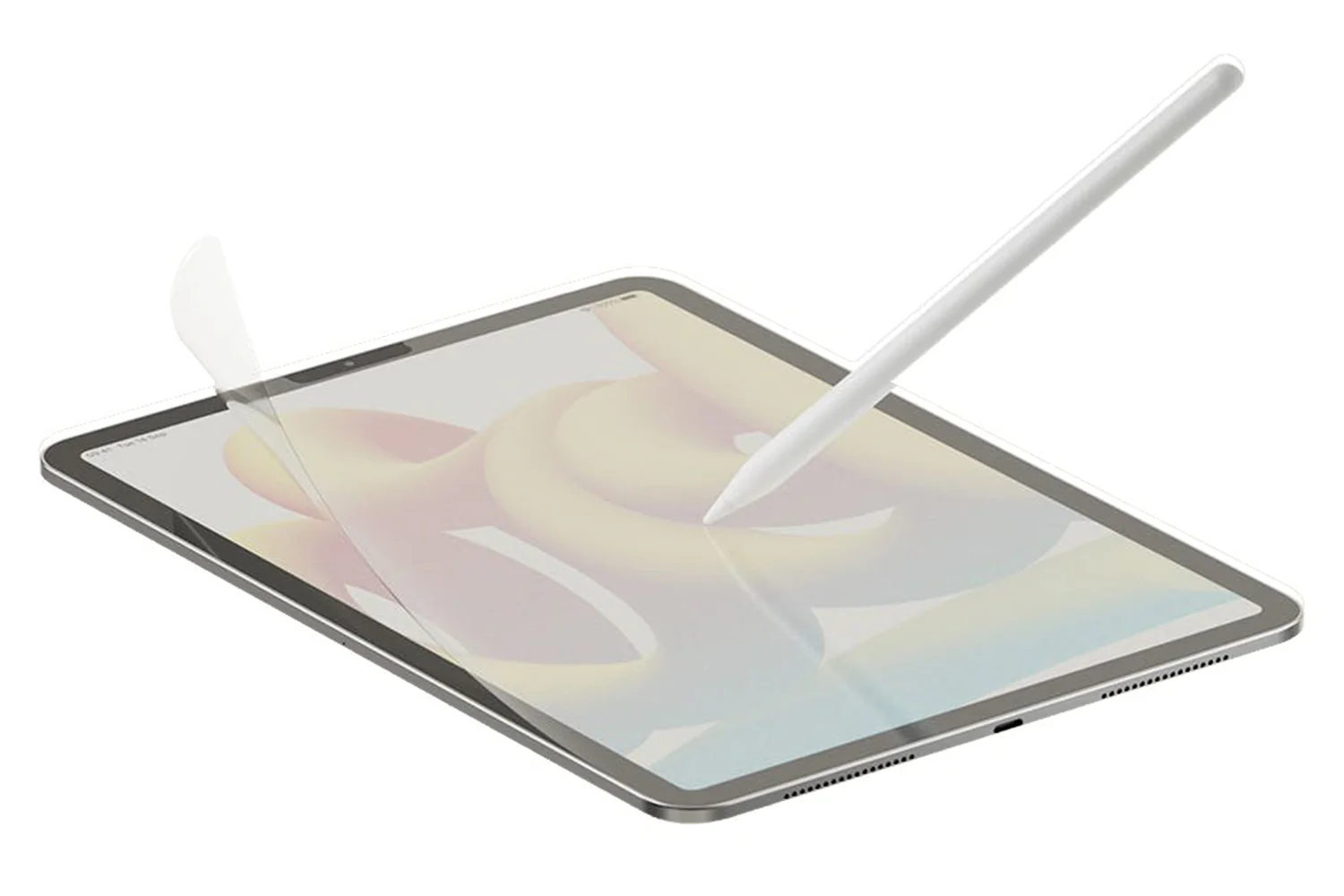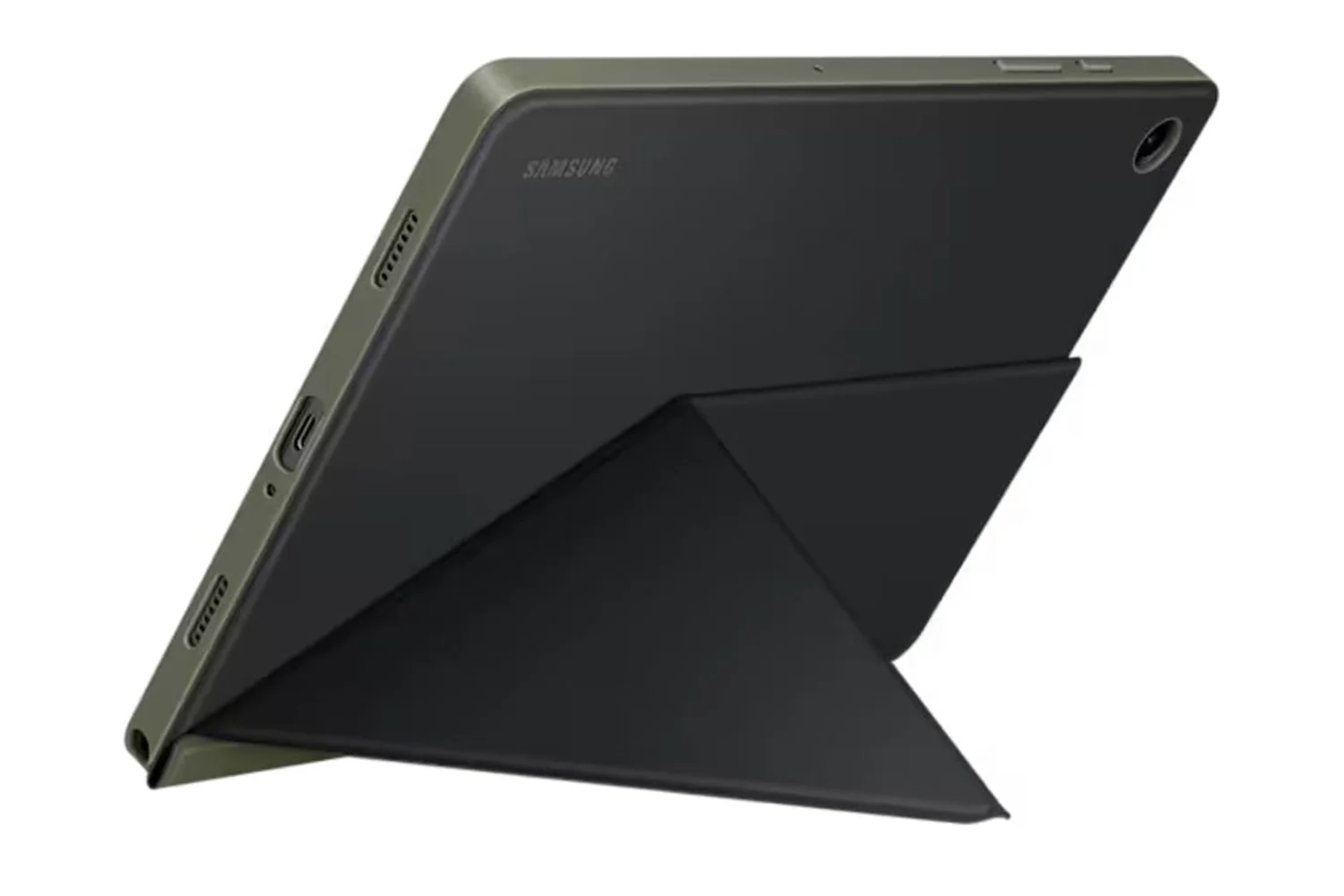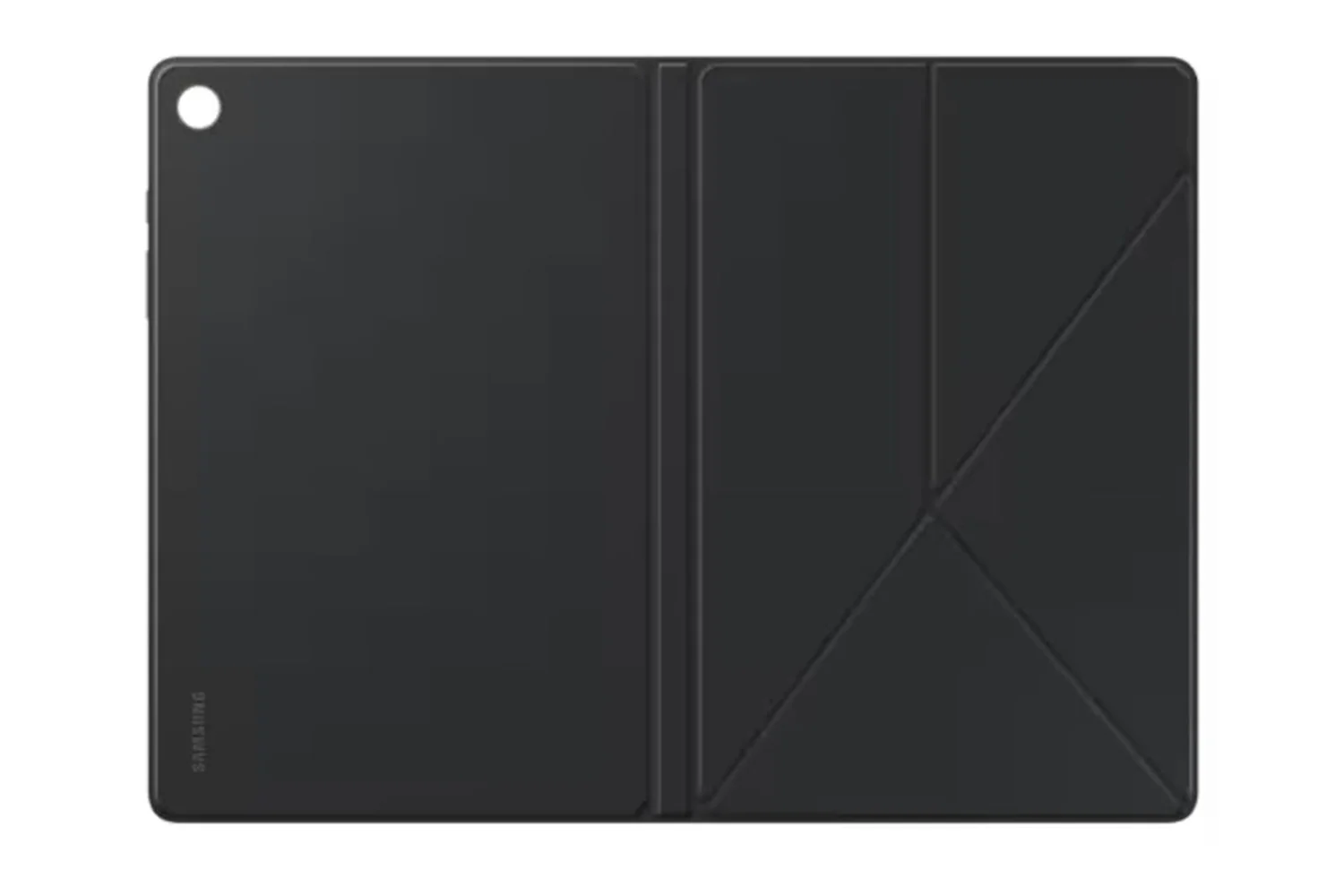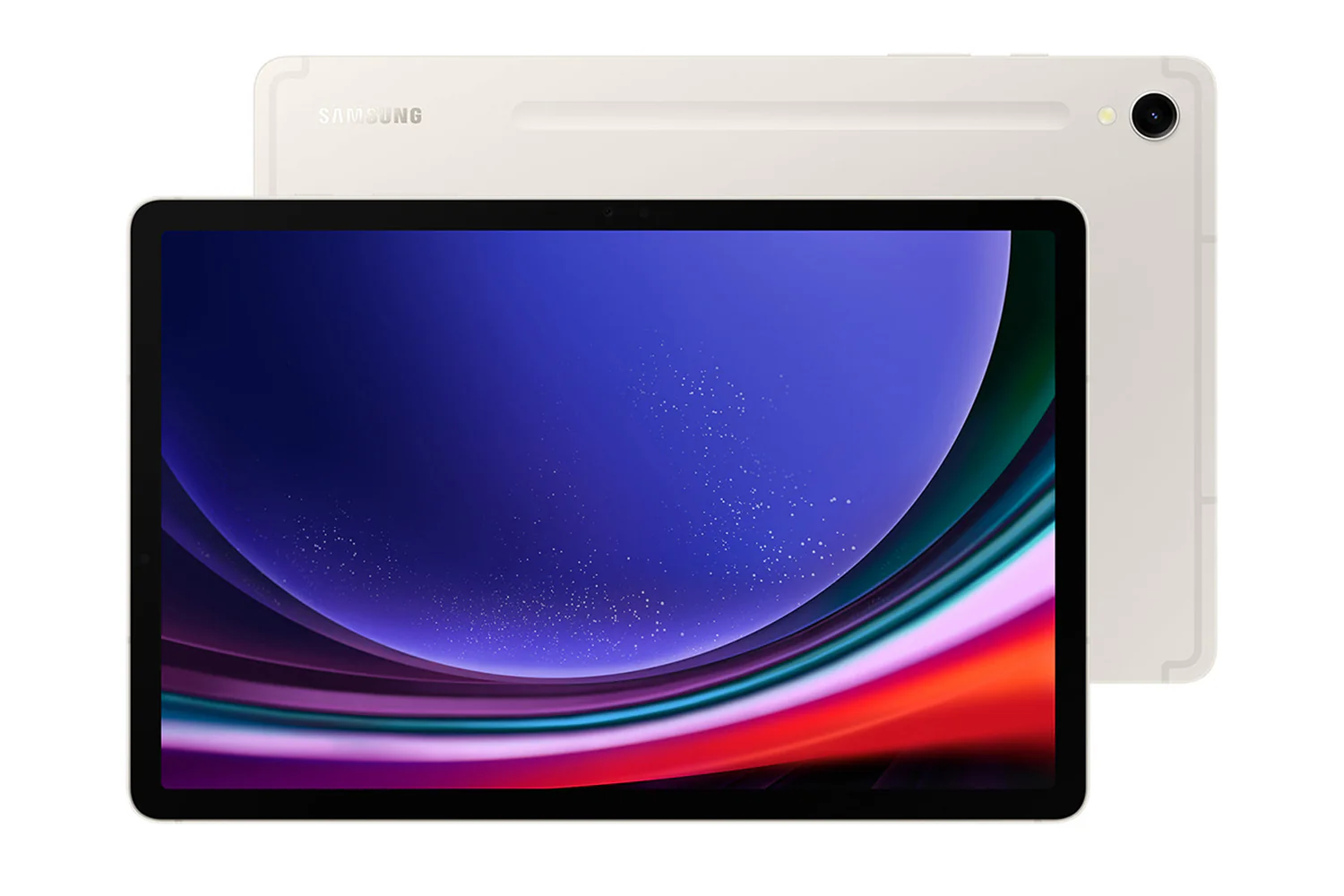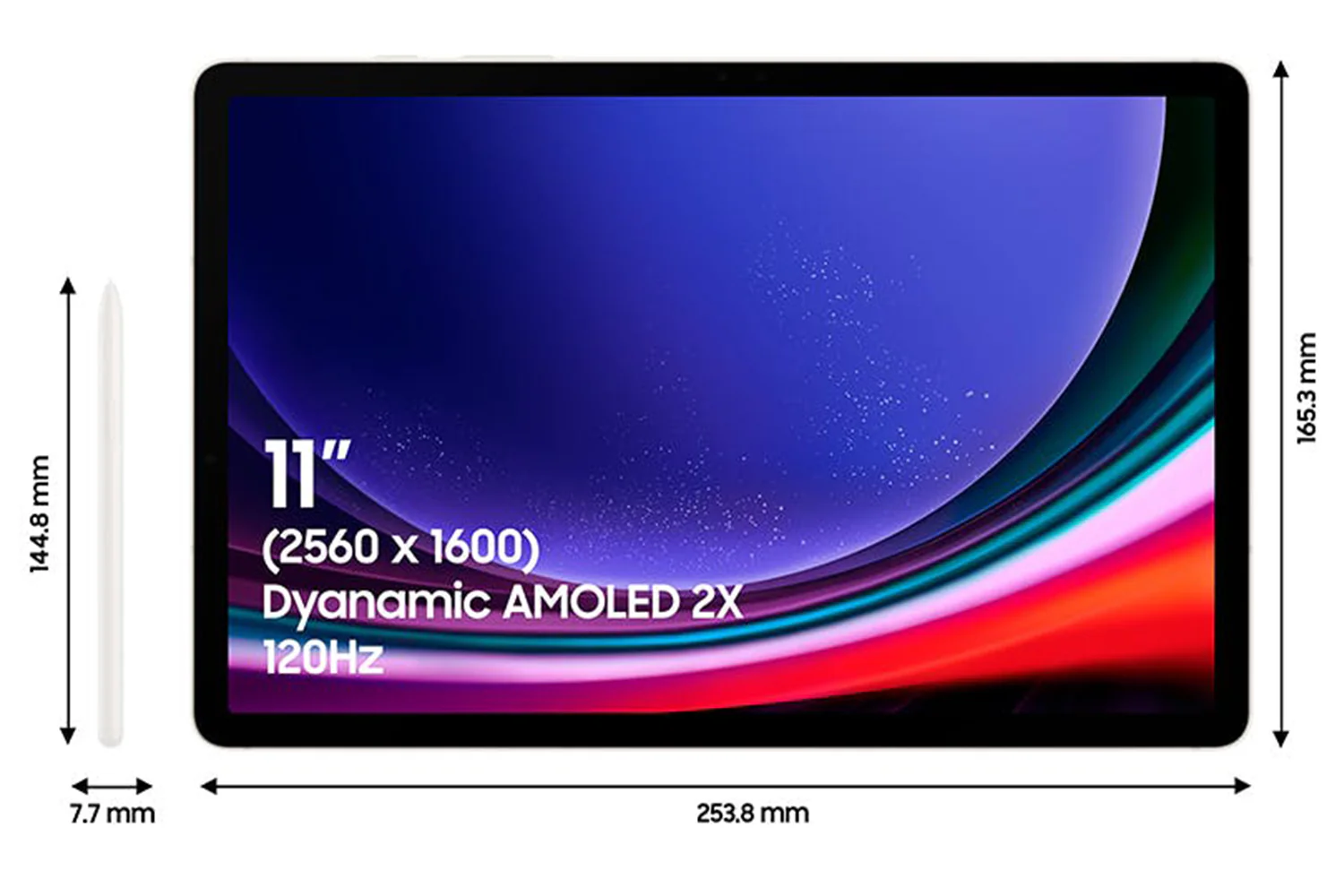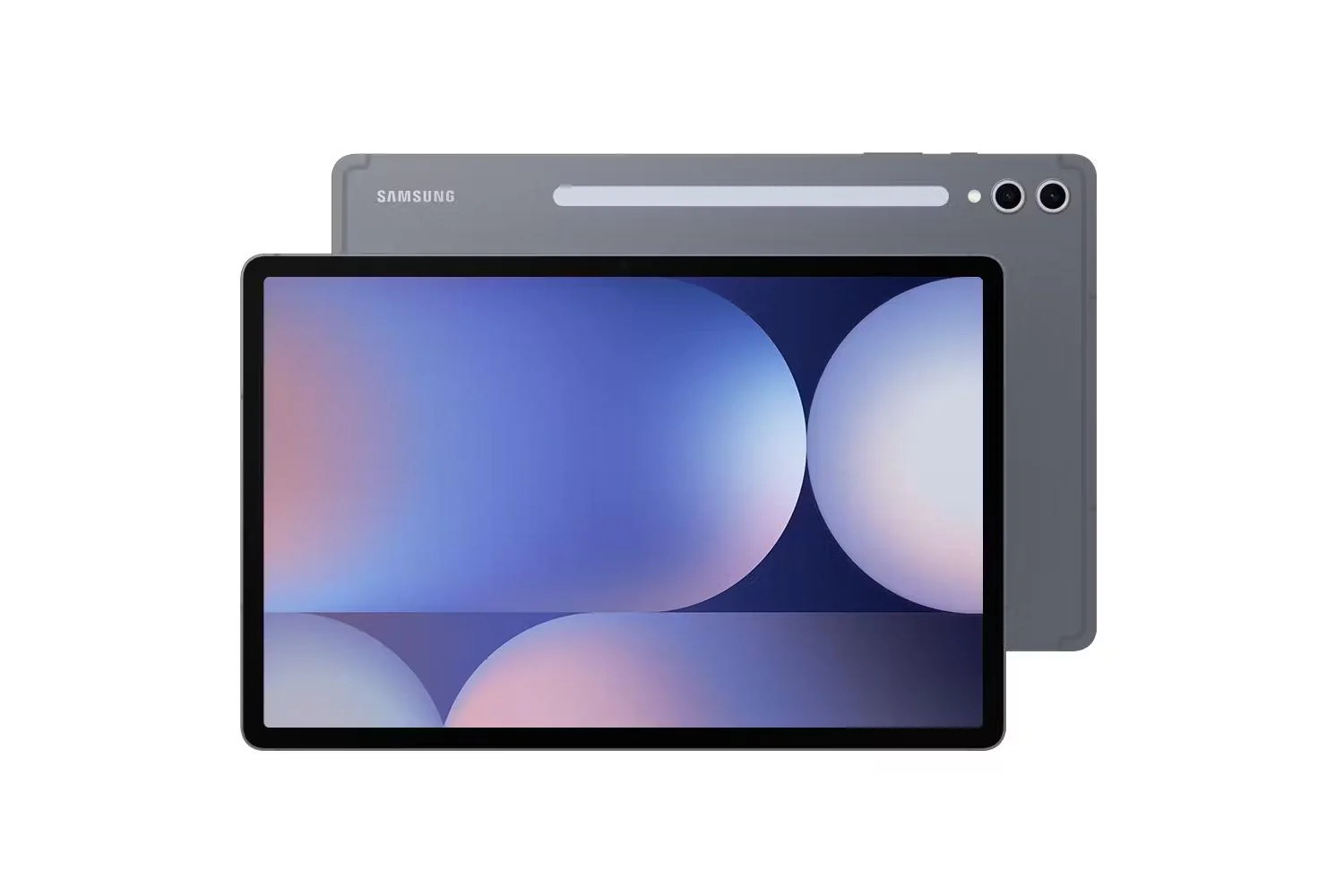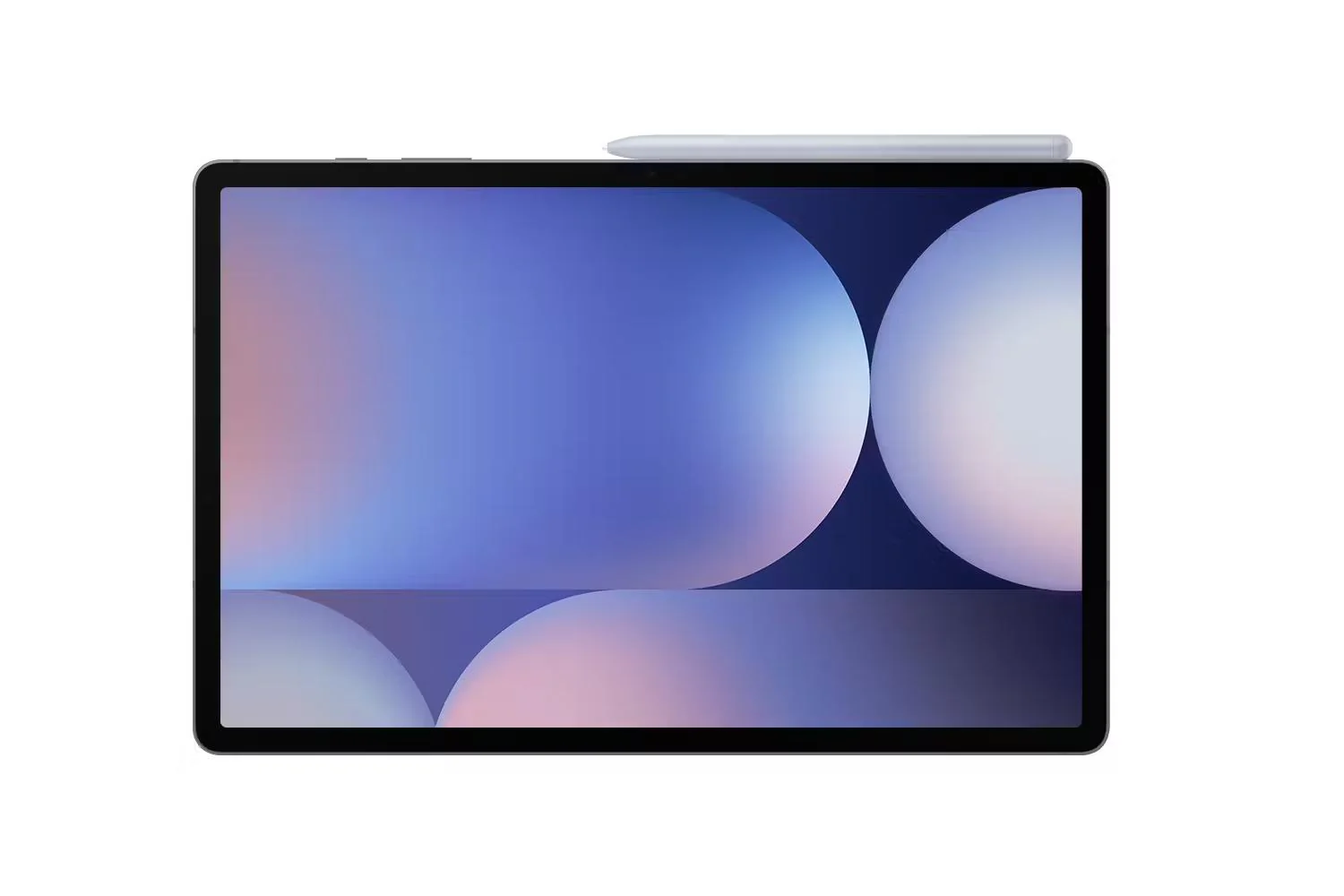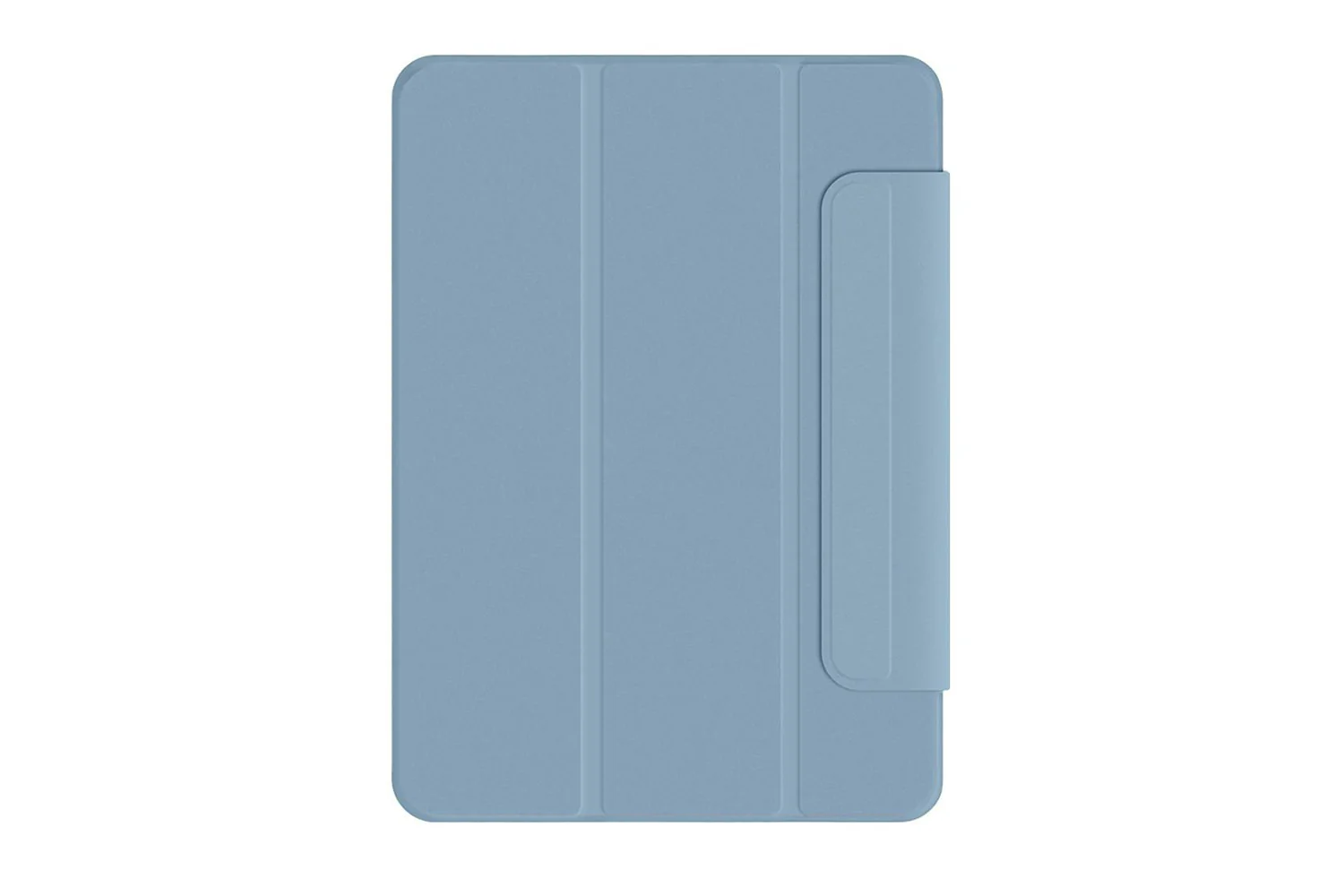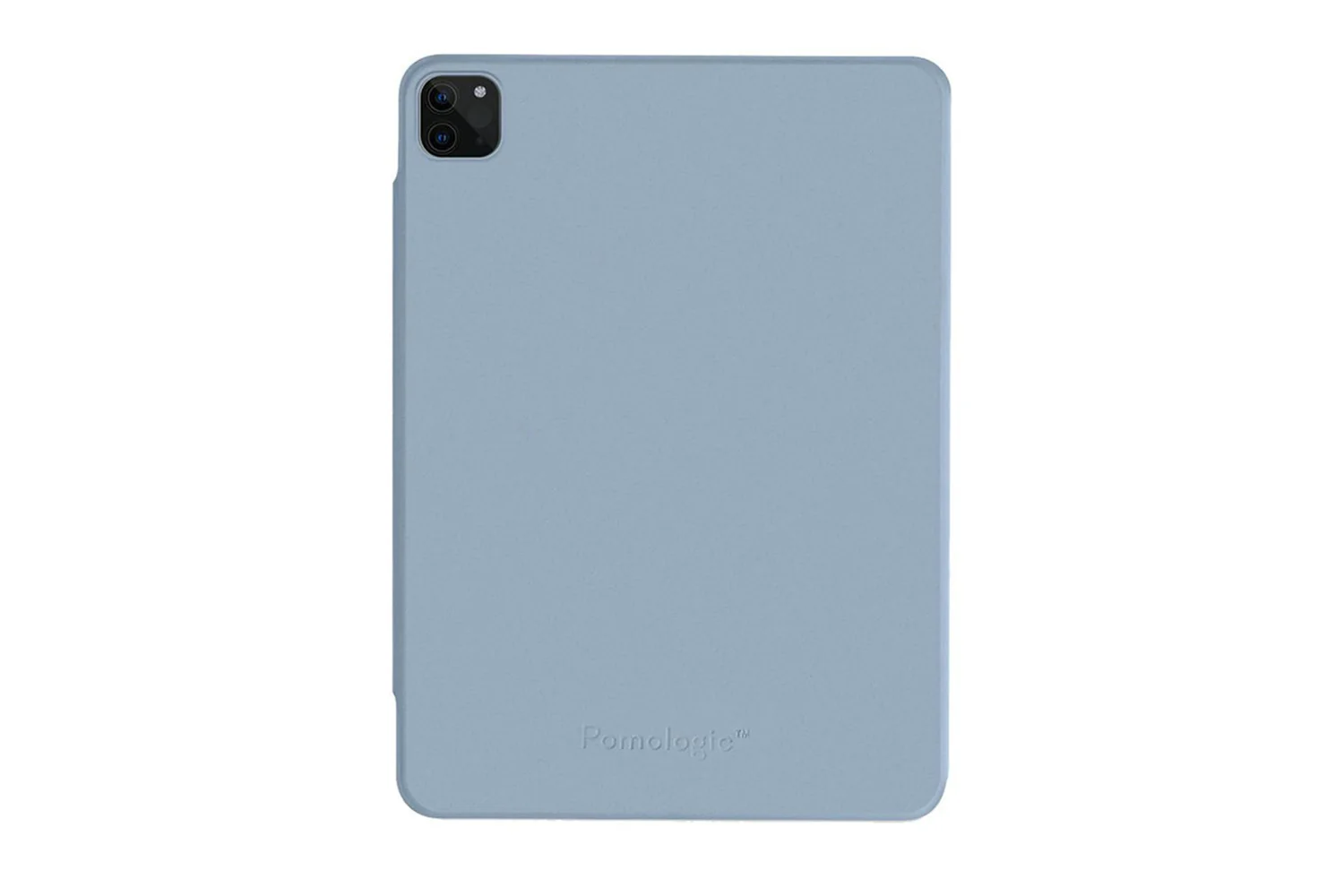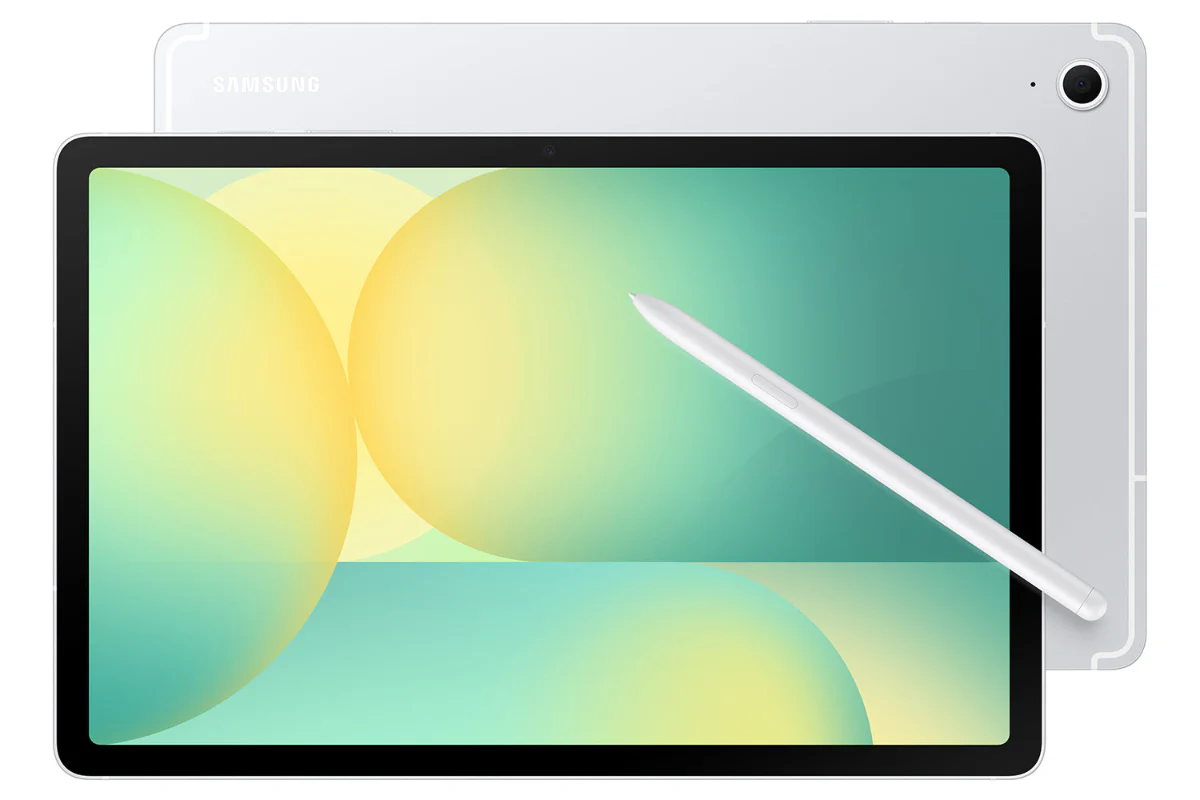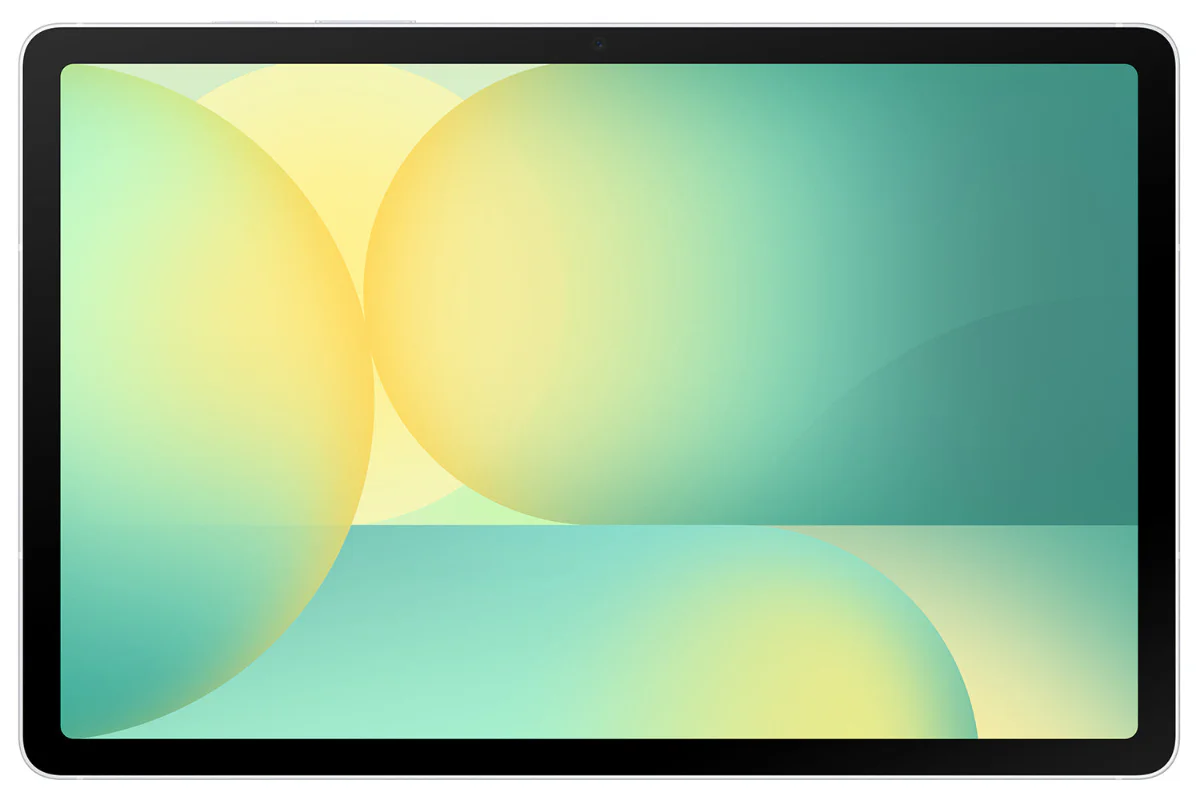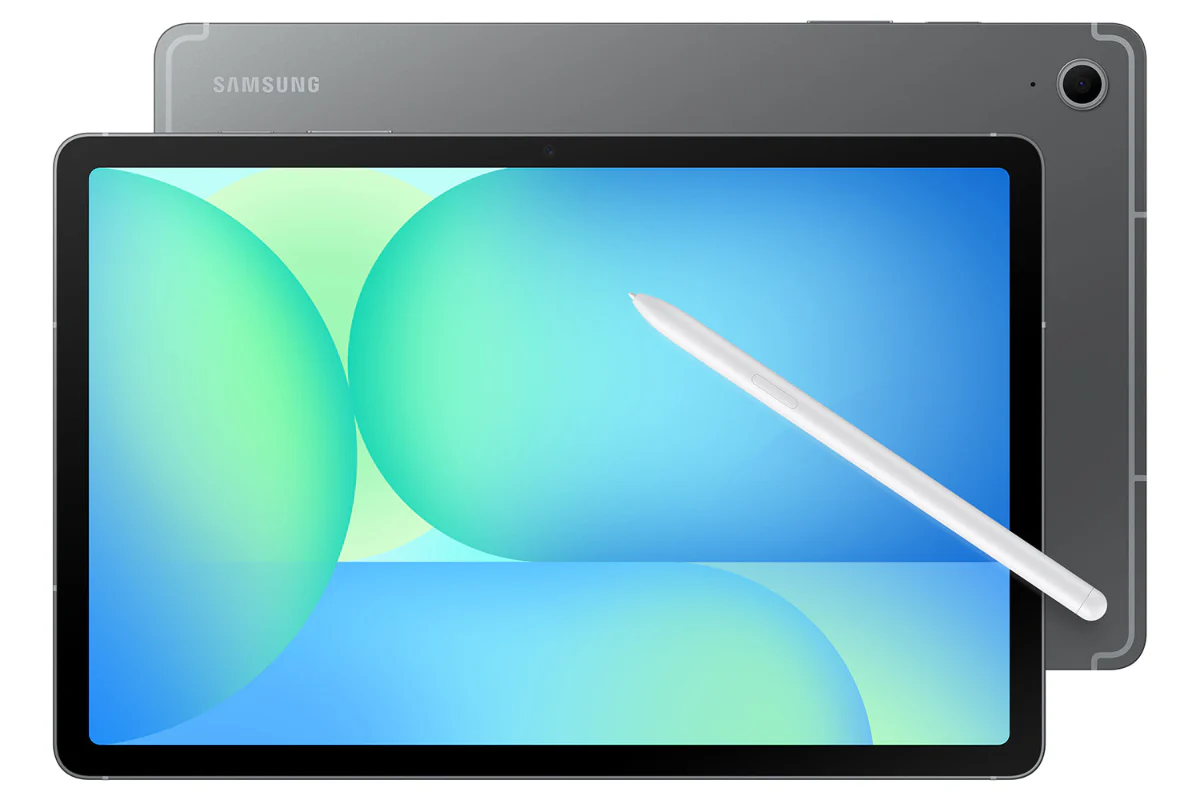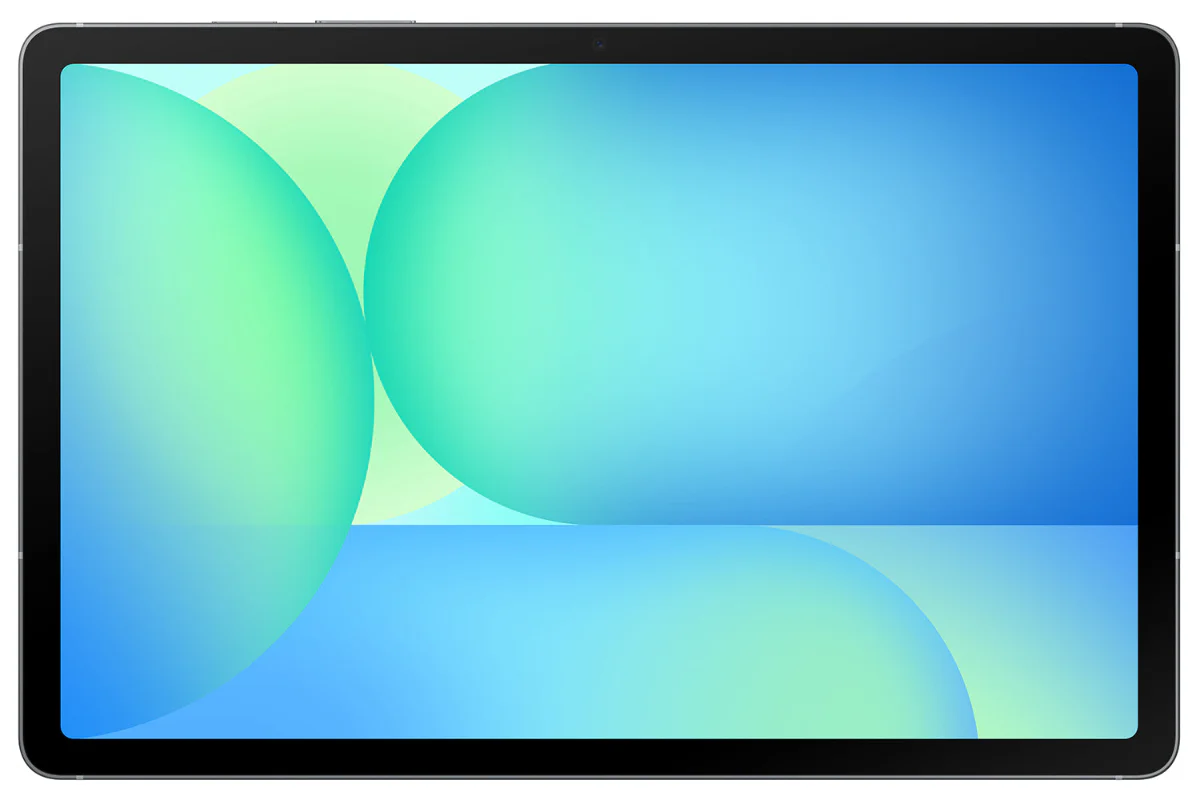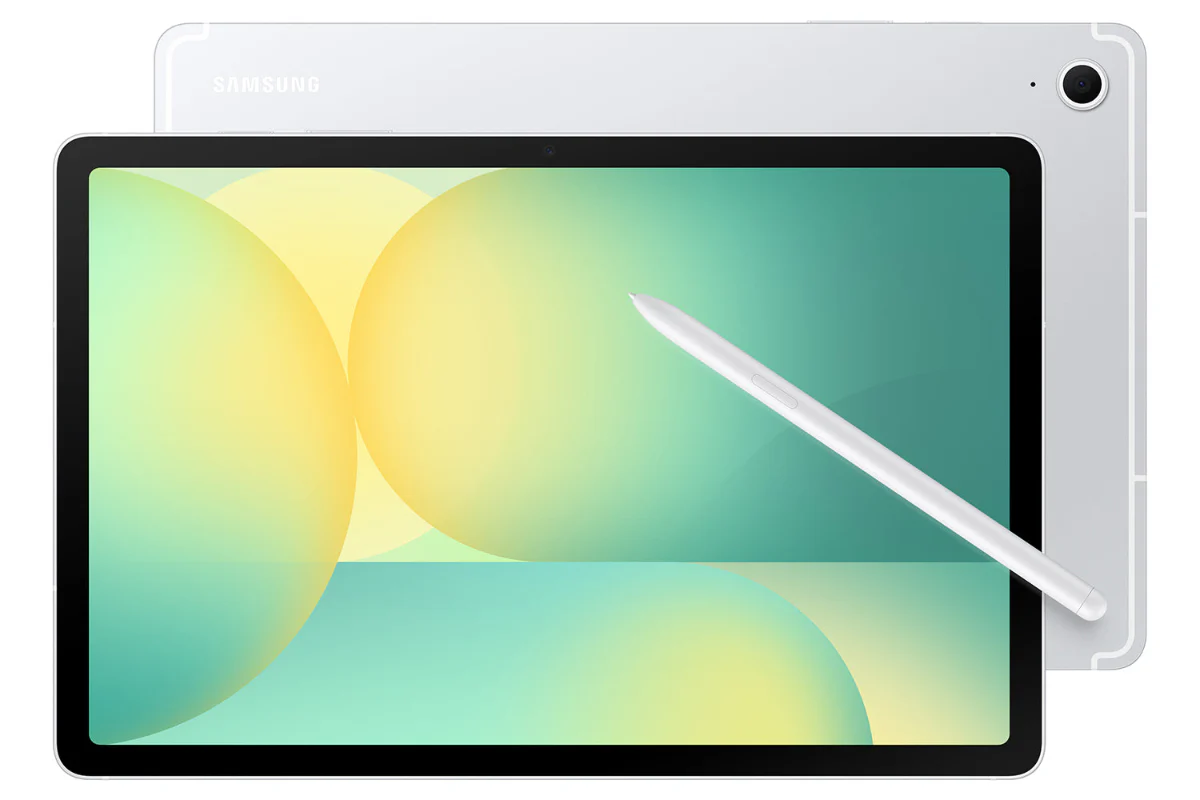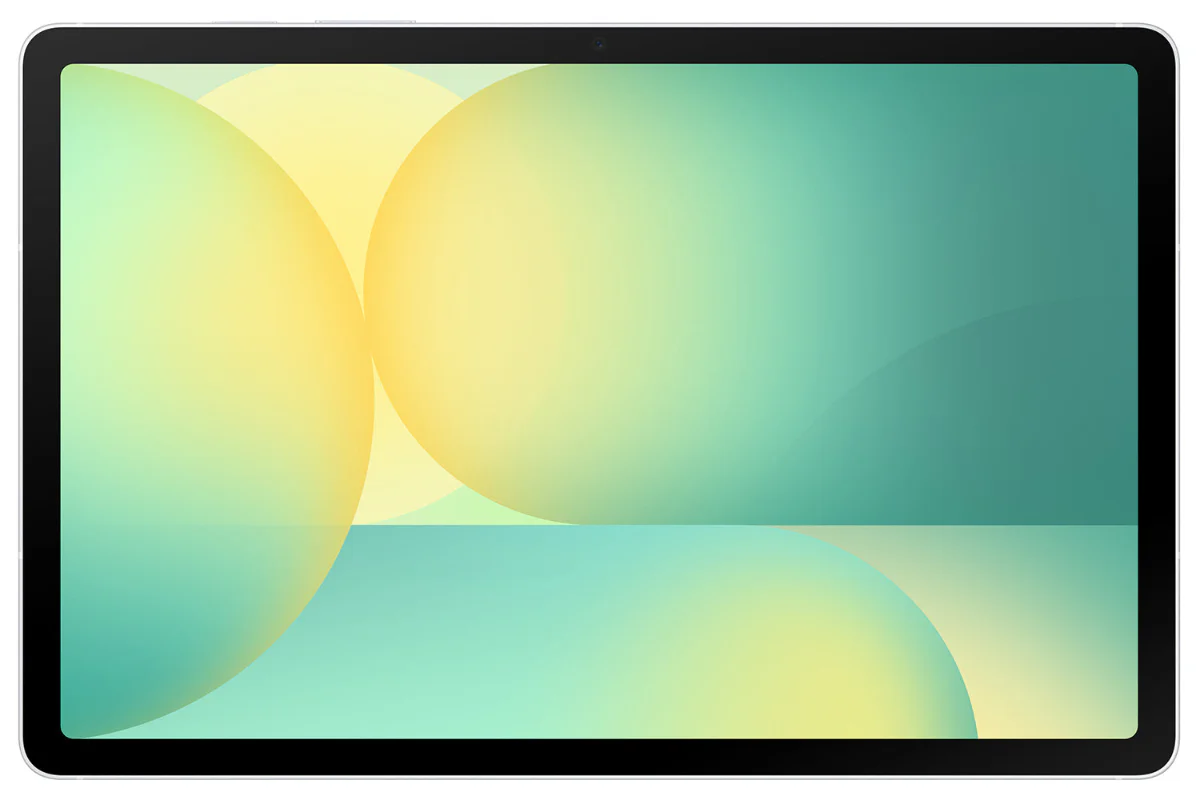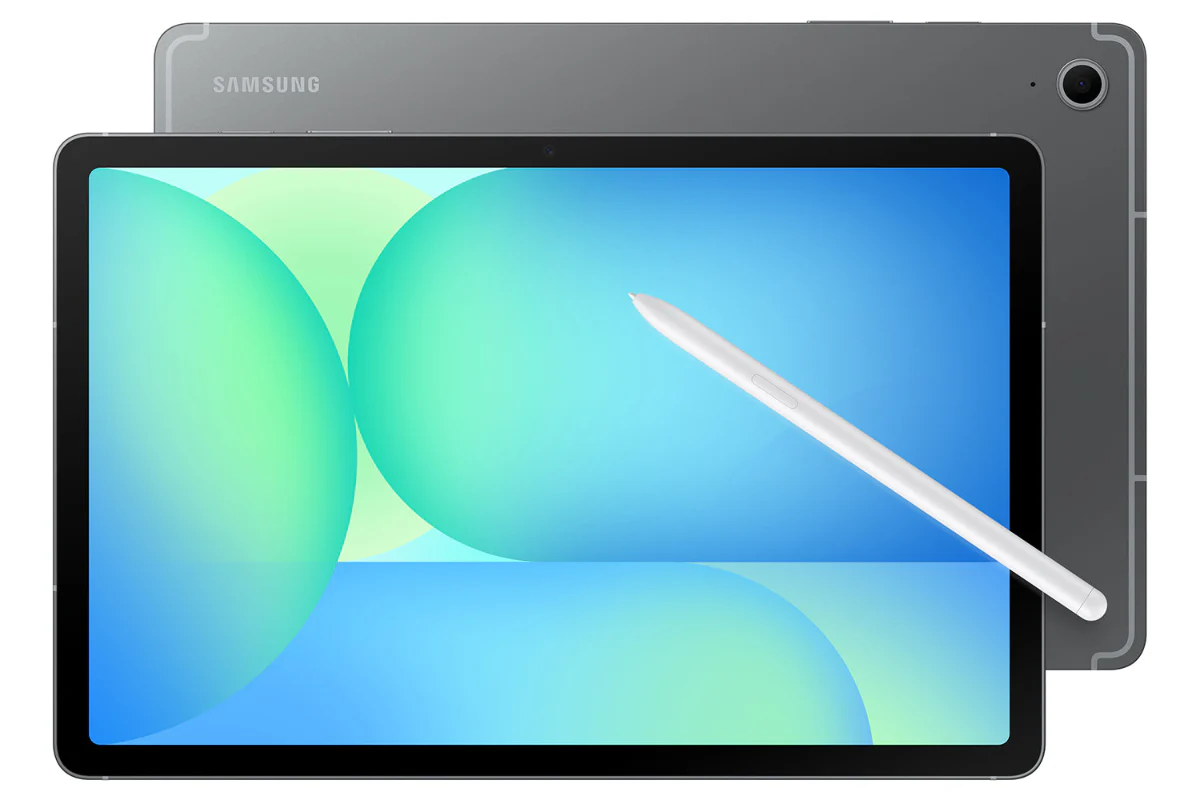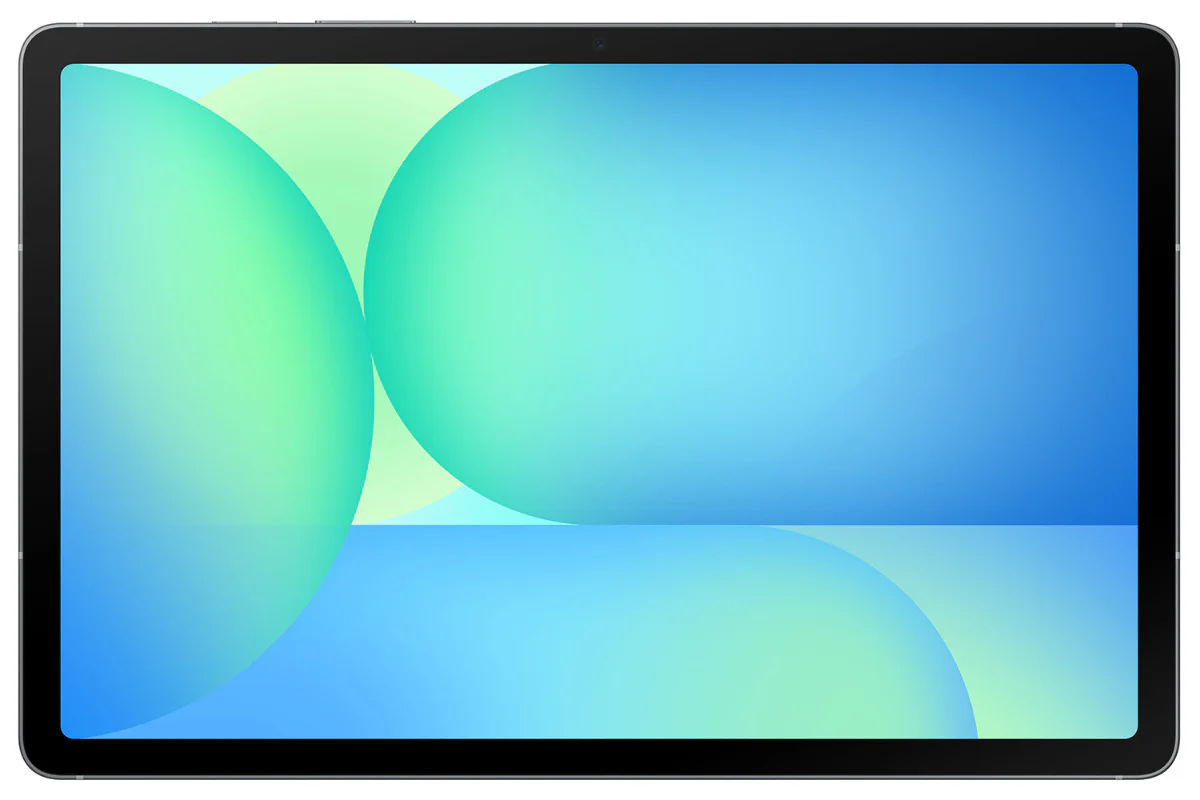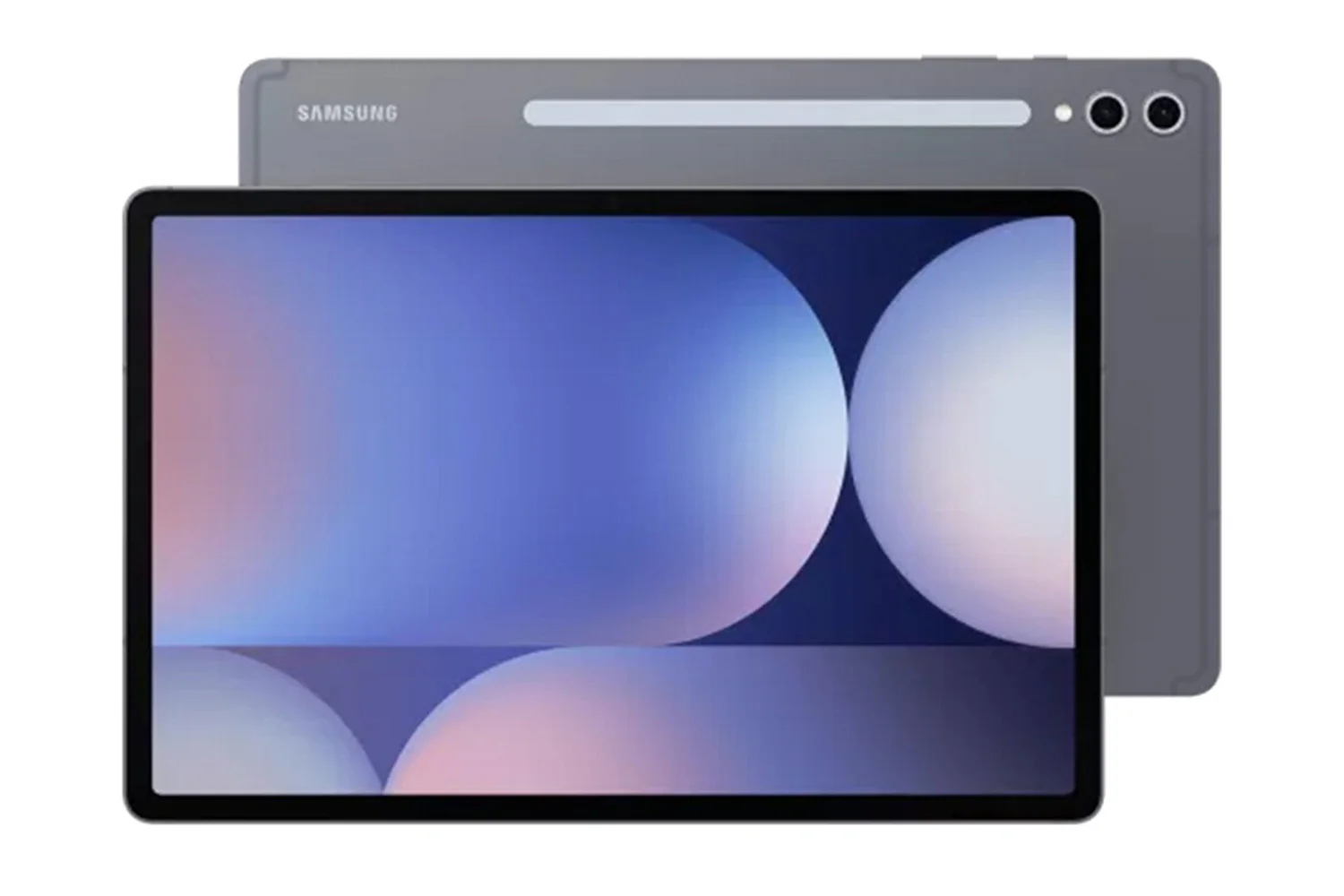
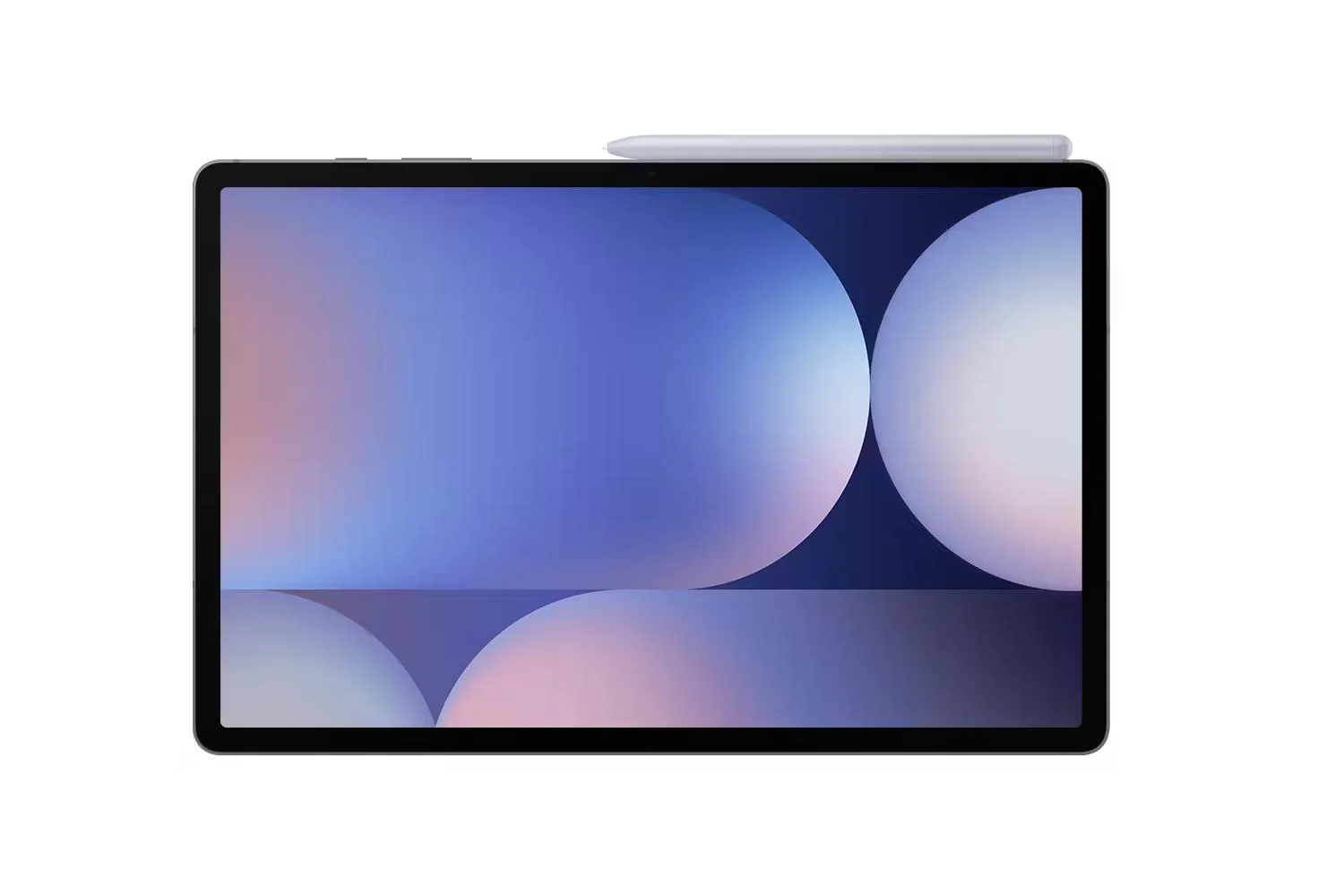
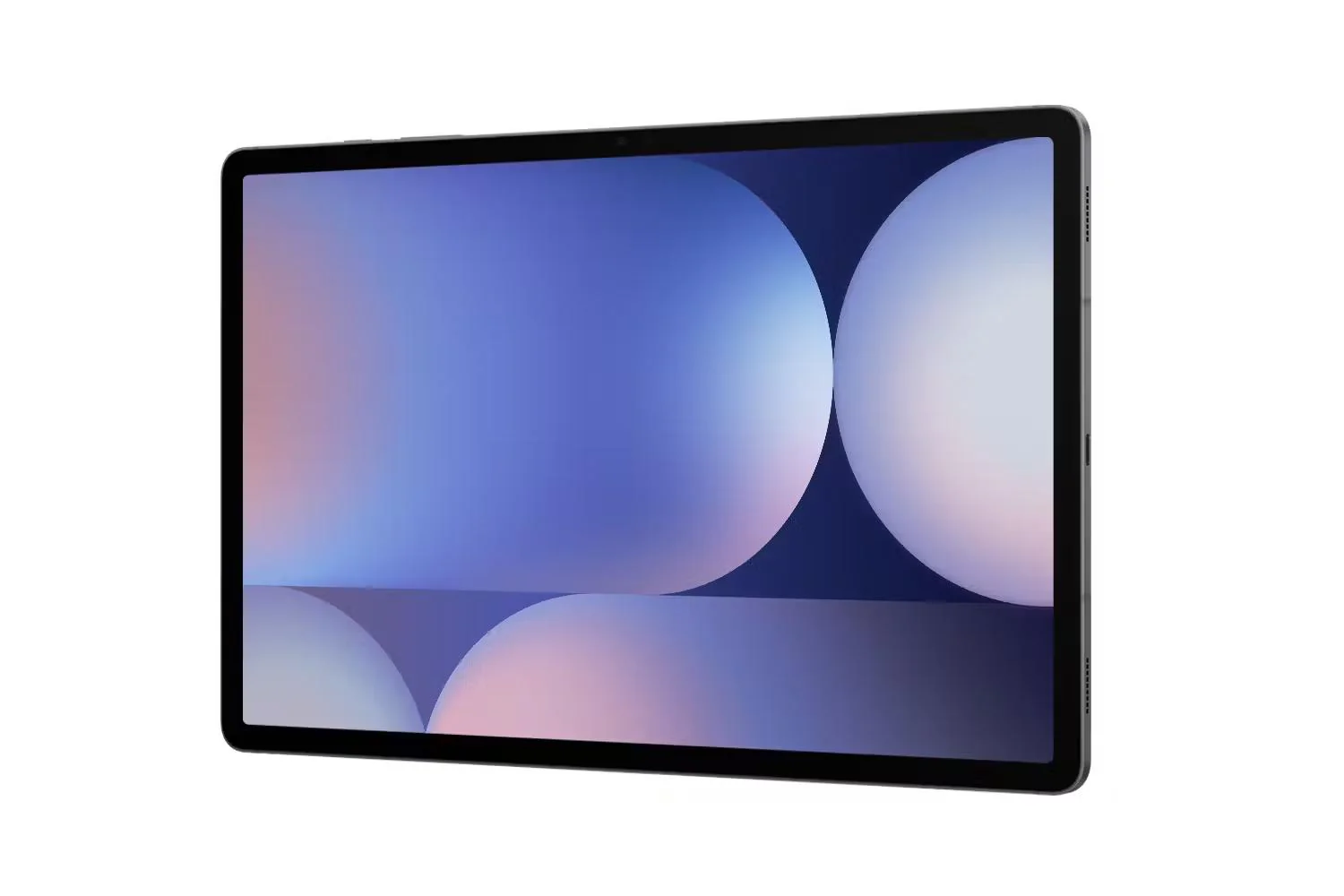
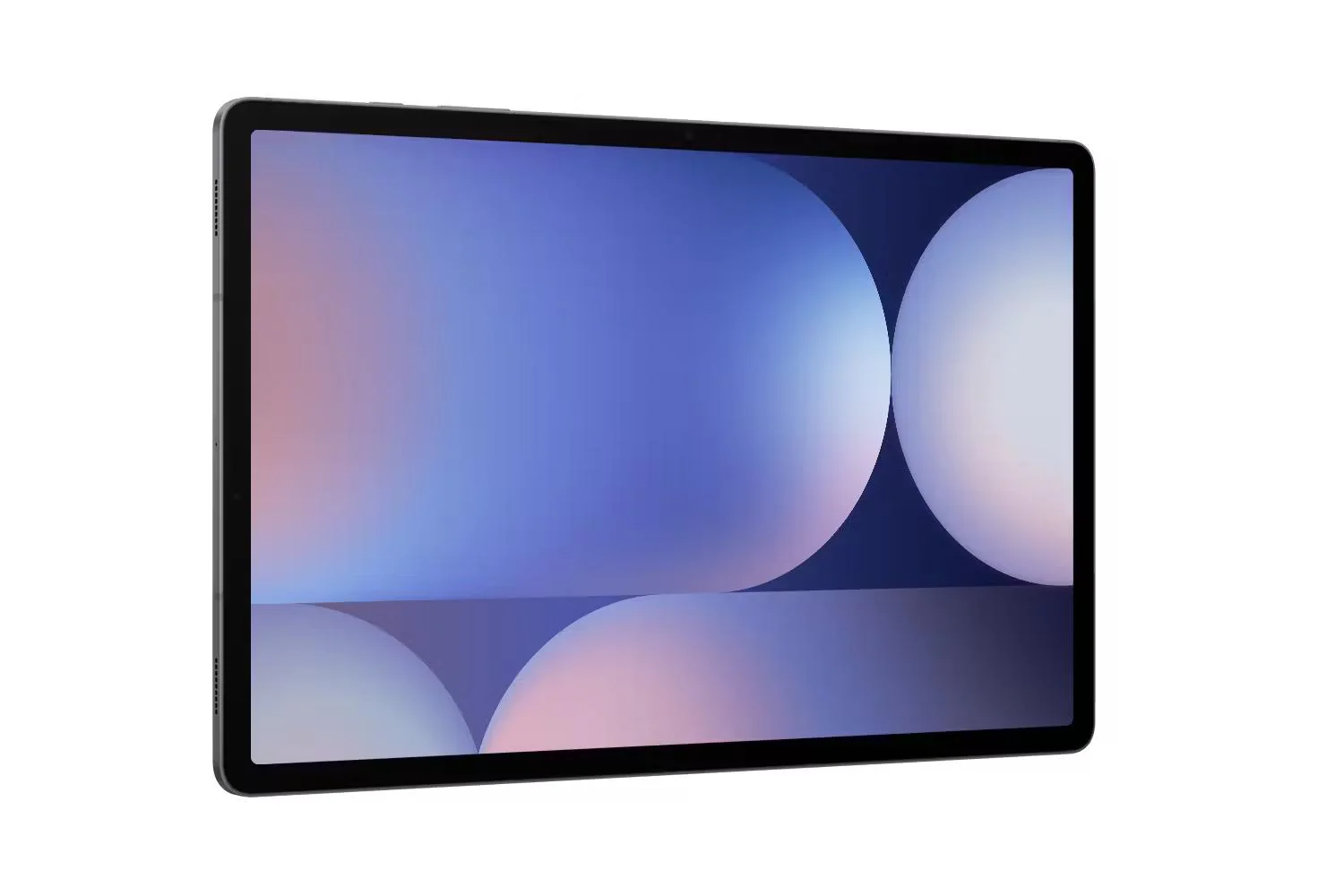
Samsung Galaxy Tab S10+ Wi-Fi | 256GB | Grey
Check out the video:
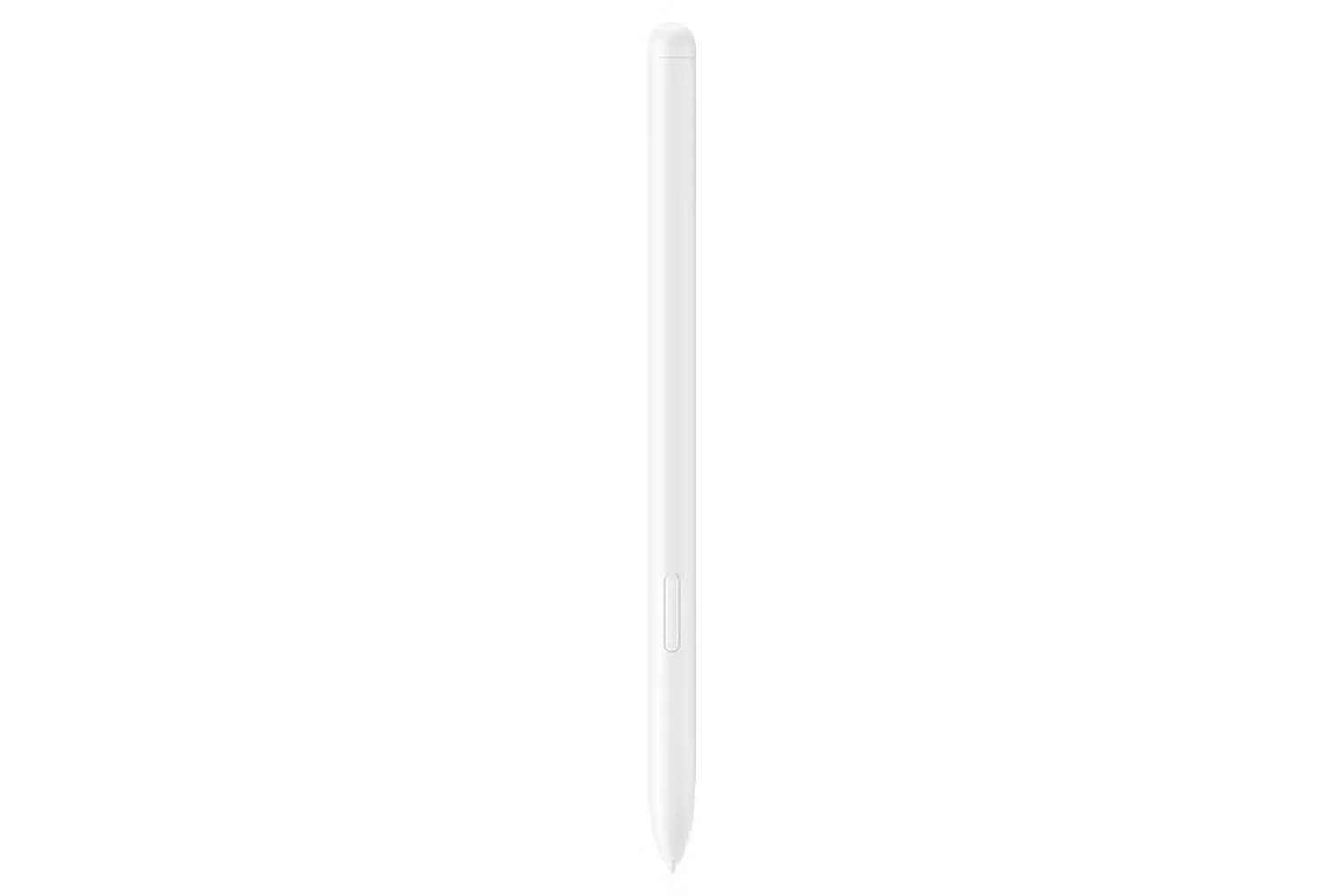
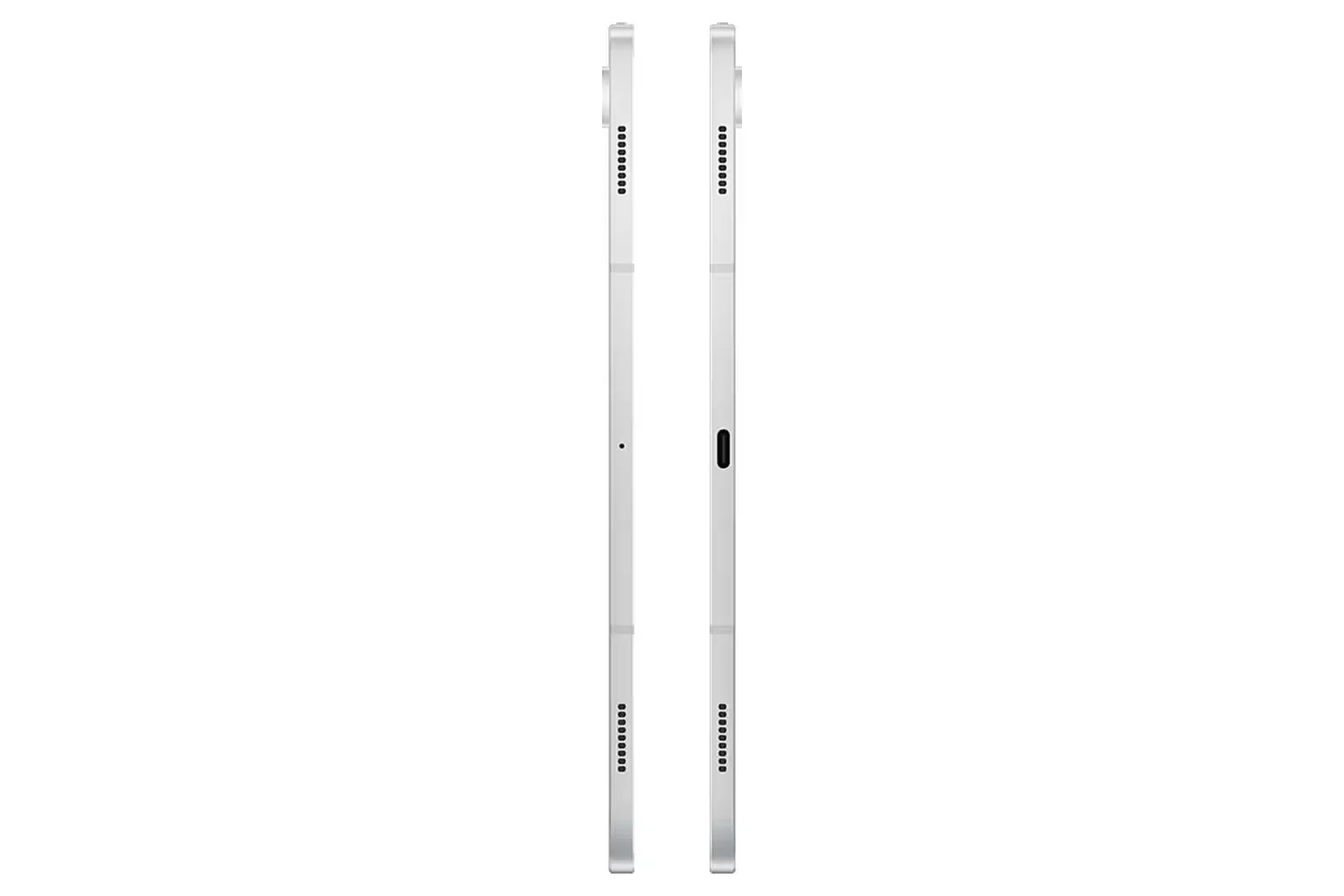
Iconic design: Iconic feel
There's a touch of innovation in every detail - with all new design accents on the S pen, charging area and camera deco. And each one feels amazing to the touch.
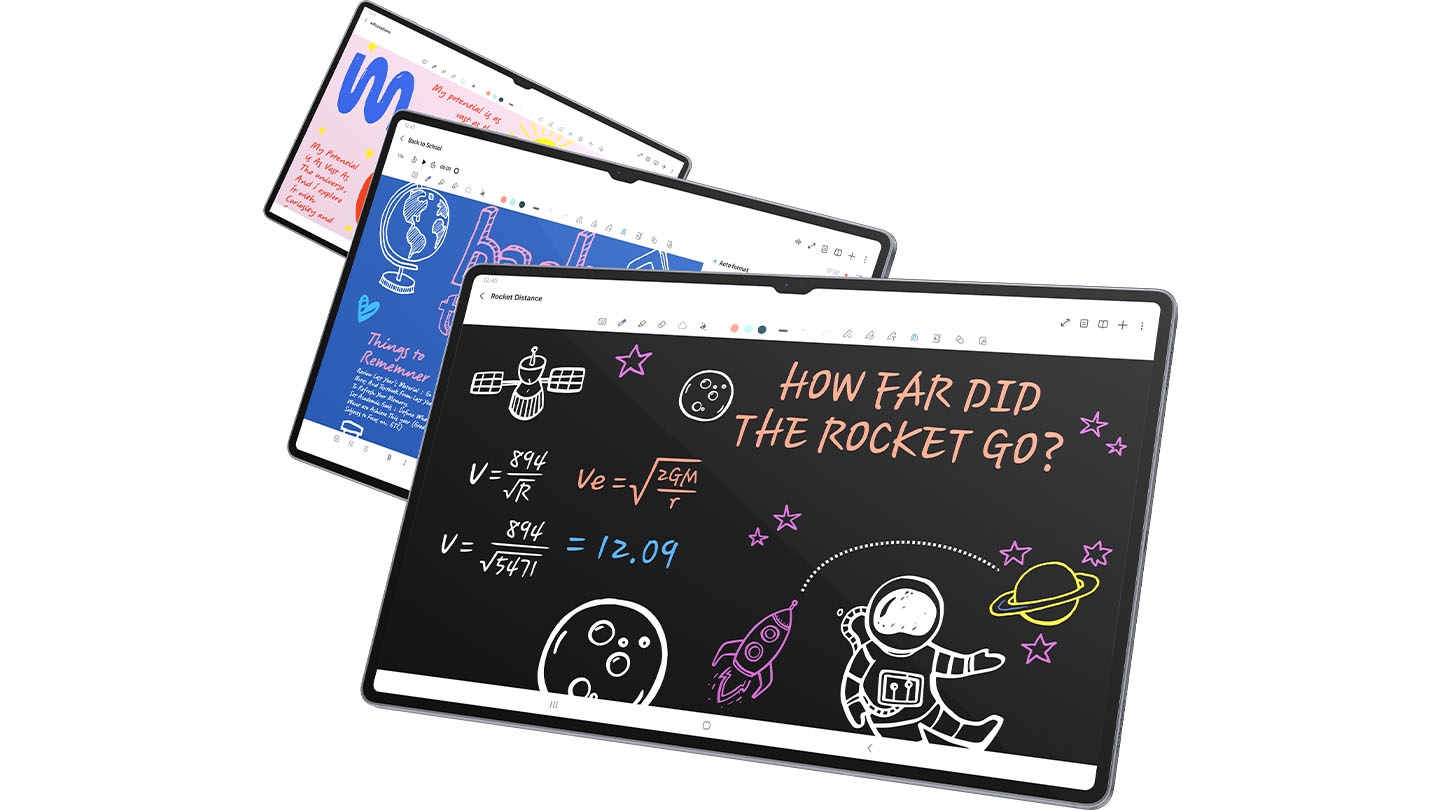
Galaxy AI Optimised for The Big Screen
You've seen Galaxy AI, but not like this. This massive screen brings Galaxy AI features to life in a big way to maximise your productivity and fun.
*All specifications and descriptions provided herein may be different from the actual specifications and descriptions for the product. Samsung reserves the right to make changes to this document and the product described herein, at anytime, without obligation on Samsung to provide notification of such change. All functionality, features, specifications, GUI and other product information provided in this document including, but not limited to, the benefits, design, pricing, components, performance, availability and capabilities of the product are subject to change without notice or obligation. The contents within the screen are simulated images and are for demonstration purposes only.**Samsung Account login and a network connection may be required to use certain Samsung AI features. Users may need to update Android and Google app to the latest version.***Samsung does not make any promises, assurances or guarantees as to the accuracy, completeness or reliability of the output provided by AI features.*****Galaxy AI features provided by Samsung are free. Future releases may include features that are offered on a paid basis. Different terms may apply for AI features provided by third parties. Availability may vary depending on the region/country, OS/One UI version, device model, and phone carrier.******Galaxy AI service may be limited for minors in certain regions with age restrictions over AI usage.*******Certain languages may require language pack download to use Interpreter. Service availability may vary by language.********Summary feature for Note Assist is activated when a certain number of characters is met and is under the character limit. Audio files must be under 3 hours in duration to be processed.*********Editing with Sketch to Image may result in a resized photo up to 12MP. A visible watermark is overlaid on the image output upon saving in order to indicate that the image is generated by AI.
Check out the video:
Your Personal Note-taking Assistant
Get meeting notes while staying completely engaged in the meeting — just record the meeting then transcribe audio to text. Galaxy AI can then format and summarise those notes, making note-taking effortlessly easy.
*Summary feature for Note Assist requires a network connection and Samsung Account login. Service availability may vary by language. Summary feature for Note Assist is activated when a certain number of characters is met and is under the character limit. Voice recording feature for Note Assist may not be supported in some countries. Audio files must be under 3 hours in duration to be processed. Accuracy of results is not guaranteed.**Sequences shortened and simulated.
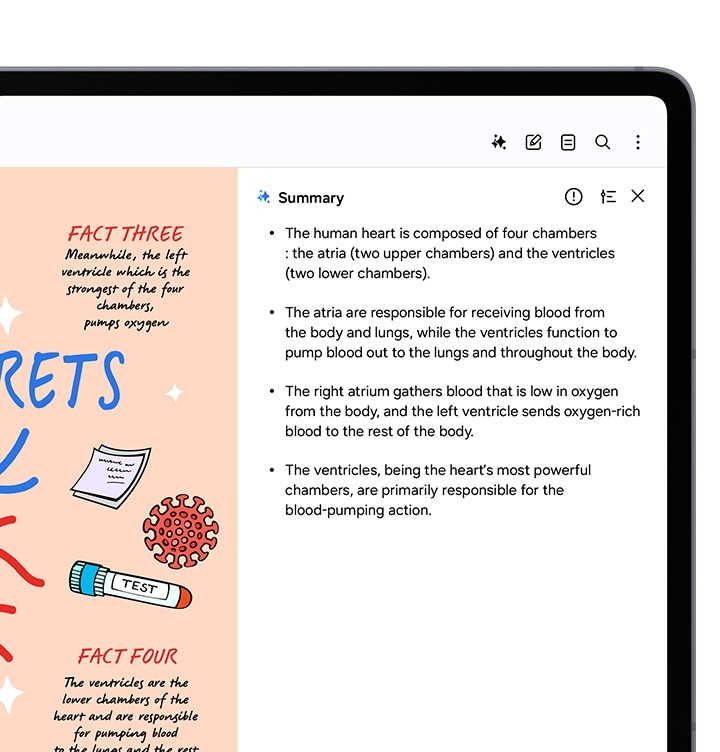
Edit in Split View
Formatting your notes gets even easier in Split View -helping you format while keeping track of the original.
*This feature requires a network connection and Samsung Account login. This feature is activated when a certain number of characters is met. Service availability may vary by language. Accuracy of results is not guaranteed.
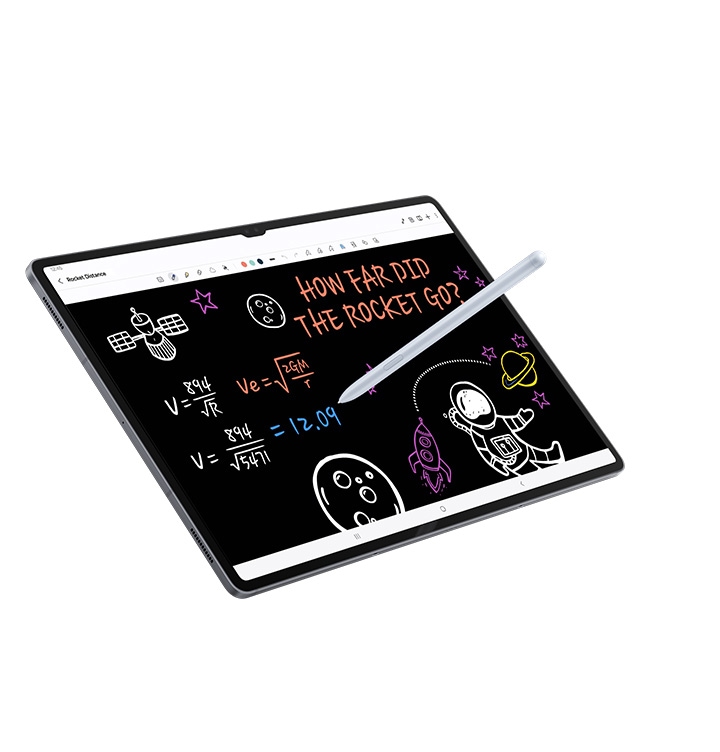
Rocket Science Just Got Easier
Solve Math makes calculation a cinch automatically calculating complex formulas. And with Handwriting Help, it can even decipher your handwriting.
*Image simulated for illustrative purposes. Actual UI may be different.**Solve Math feature runs on-device and does not require an internet connection, but requires Samsung Account login. Incorrect handwriting recognition may lead to inaccurate calculations. Available only on S Pen-supported devices.***Solve Math feature not available at launch. Expected to be supported after the App update.
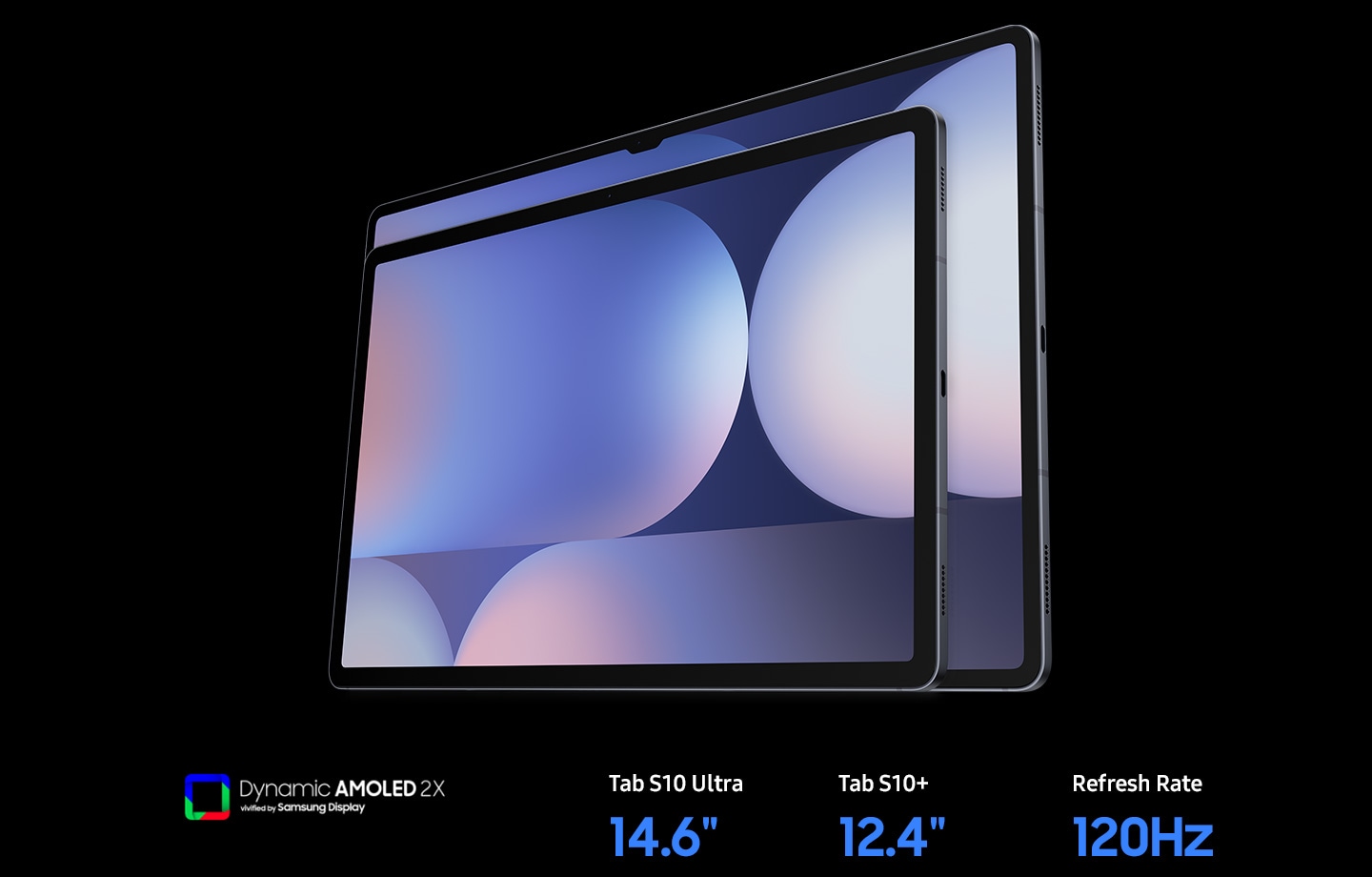
Go Large or Ultra Large
Dive in to deeper colours and truer blacks all optimised for the Dynamic AMOLED 2X display. Immerse yourself in a cinematic experience with incredible resolution and ultra smooth interactions on what many consider the ultimate display.
*Image simulated for illustrative purposes. Actual UI may be different.**Measured diagonally, Galaxy Tab S10 Ultra's screen size is 14.6" in the full rectangle and 14.5" accounting for the rounded corners. Galaxy Tab S10+'s screen size is 12.4" in the full rectangle and 12.4" accounting for the rounded corners. Actual viewable area is less due to the rounded corners and the camera hole.***The Dynamic AMOLED 2X display on Galaxy Tab S10 Series. Galaxy Tab S10 Ultra has a peak brightness of 930 nits and Galaxy Tab S10+ has a peak brightness of 650 nits. The displays are adaptive, adjusting brightness level automatically based on the environment. In an area of 5,000 lux or higher, High Brightness Mode and Vision Booster will be activated.
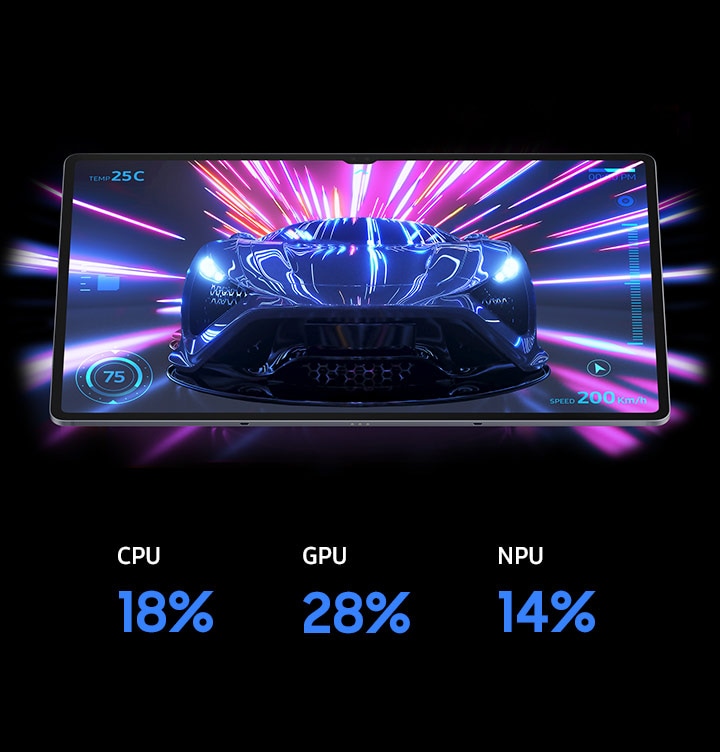
Keeps Cool When Gaming Heats Up
Rev up the excitement with an ultra fast, powerful processor. When the action really heats up, it keeps cool with the larger Vapor Chamber cooling system — built to more efficiently cool the longer you game, or binge videos.
*Screen image simulated for illustrative purposes.**The enhanced performance figures are based on a comparison of Galaxy Tab S10 Ultra to Tab S9 Ultra. When comparing Tab S10+ to Tab S9+, the CPU performance is 16% improved, GPU is 27% improved, and NPU is 13% improved.
Product Features:
- Rear Camera - Auto Focus
- CPU Type: Octa-Core
- S Pen Support
- Rear Camera - Flash
Product Information
Product Information
Shipping & Returns
Shipping & Returns
Description
Check out the video:
Iconic design: Iconic feel
There's a touch of innovation in every detail - with all new design accents on the S pen, charging area and camera deco. And each one feels amazing to the touch.
Galaxy AI Optimised for The Big Screen
You've seen Galaxy AI, but not like this. This massive screen brings Galaxy AI features to life in a big way to maximise your productivity and fun.
*All specifications and descriptions provided herein may be different from the actual specifications and descriptions for the product. Samsung reserves the right to make changes to this document and the product described herein, at anytime, without obligation on Samsung to provide notification of such change. All functionality, features, specifications, GUI and other product information provided in this document including, but not limited to, the benefits, design, pricing, components, performance, availability and capabilities of the product are subject to change without notice or obligation. The contents within the screen are simulated images and are for demonstration purposes only.**Samsung Account login and a network connection may be required to use certain Samsung AI features. Users may need to update Android and Google app to the latest version.***Samsung does not make any promises, assurances or guarantees as to the accuracy, completeness or reliability of the output provided by AI features.*****Galaxy AI features provided by Samsung are free. Future releases may include features that are offered on a paid basis. Different terms may apply for AI features provided by third parties. Availability may vary depending on the region/country, OS/One UI version, device model, and phone carrier.******Galaxy AI service may be limited for minors in certain regions with age restrictions over AI usage.*******Certain languages may require language pack download to use Interpreter. Service availability may vary by language.********Summary feature for Note Assist is activated when a certain number of characters is met and is under the character limit. Audio files must be under 3 hours in duration to be processed.*********Editing with Sketch to Image may result in a resized photo up to 12MP. A visible watermark is overlaid on the image output upon saving in order to indicate that the image is generated by AI.
Check out the video:
Your Personal Note-taking Assistant
Get meeting notes while staying completely engaged in the meeting — just record the meeting then transcribe audio to text. Galaxy AI can then format and summarise those notes, making note-taking effortlessly easy.
*Summary feature for Note Assist requires a network connection and Samsung Account login. Service availability may vary by language. Summary feature for Note Assist is activated when a certain number of characters is met and is under the character limit. Voice recording feature for Note Assist may not be supported in some countries. Audio files must be under 3 hours in duration to be processed. Accuracy of results is not guaranteed.**Sequences shortened and simulated.
Edit in Split View
Formatting your notes gets even easier in Split View -helping you format while keeping track of the original.
*This feature requires a network connection and Samsung Account login. This feature is activated when a certain number of characters is met. Service availability may vary by language. Accuracy of results is not guaranteed.
Rocket Science Just Got Easier
Solve Math makes calculation a cinch automatically calculating complex formulas. And with Handwriting Help, it can even decipher your handwriting.
*Image simulated for illustrative purposes. Actual UI may be different.**Solve Math feature runs on-device and does not require an internet connection, but requires Samsung Account login. Incorrect handwriting recognition may lead to inaccurate calculations. Available only on S Pen-supported devices.***Solve Math feature not available at launch. Expected to be supported after the App update.
Go Large or Ultra Large
Dive in to deeper colours and truer blacks all optimised for the Dynamic AMOLED 2X display. Immerse yourself in a cinematic experience with incredible resolution and ultra smooth interactions on what many consider the ultimate display.
*Image simulated for illustrative purposes. Actual UI may be different.**Measured diagonally, Galaxy Tab S10 Ultra's screen size is 14.6" in the full rectangle and 14.5" accounting for the rounded corners. Galaxy Tab S10+'s screen size is 12.4" in the full rectangle and 12.4" accounting for the rounded corners. Actual viewable area is less due to the rounded corners and the camera hole.***The Dynamic AMOLED 2X display on Galaxy Tab S10 Series. Galaxy Tab S10 Ultra has a peak brightness of 930 nits and Galaxy Tab S10+ has a peak brightness of 650 nits. The displays are adaptive, adjusting brightness level automatically based on the environment. In an area of 5,000 lux or higher, High Brightness Mode and Vision Booster will be activated.
Keeps Cool When Gaming Heats Up
Rev up the excitement with an ultra fast, powerful processor. When the action really heats up, it keeps cool with the larger Vapor Chamber cooling system — built to more efficiently cool the longer you game, or binge videos.
*Screen image simulated for illustrative purposes.**The enhanced performance figures are based on a comparison of Galaxy Tab S10 Ultra to Tab S9 Ultra. When comparing Tab S10+ to Tab S9+, the CPU performance is 16% improved, GPU is 27% improved, and NPU is 13% improved.
Product Features:
- Rear Camera - Auto Focus
- CPU Type: Octa-Core
- S Pen Support
- Rear Camera - Flash