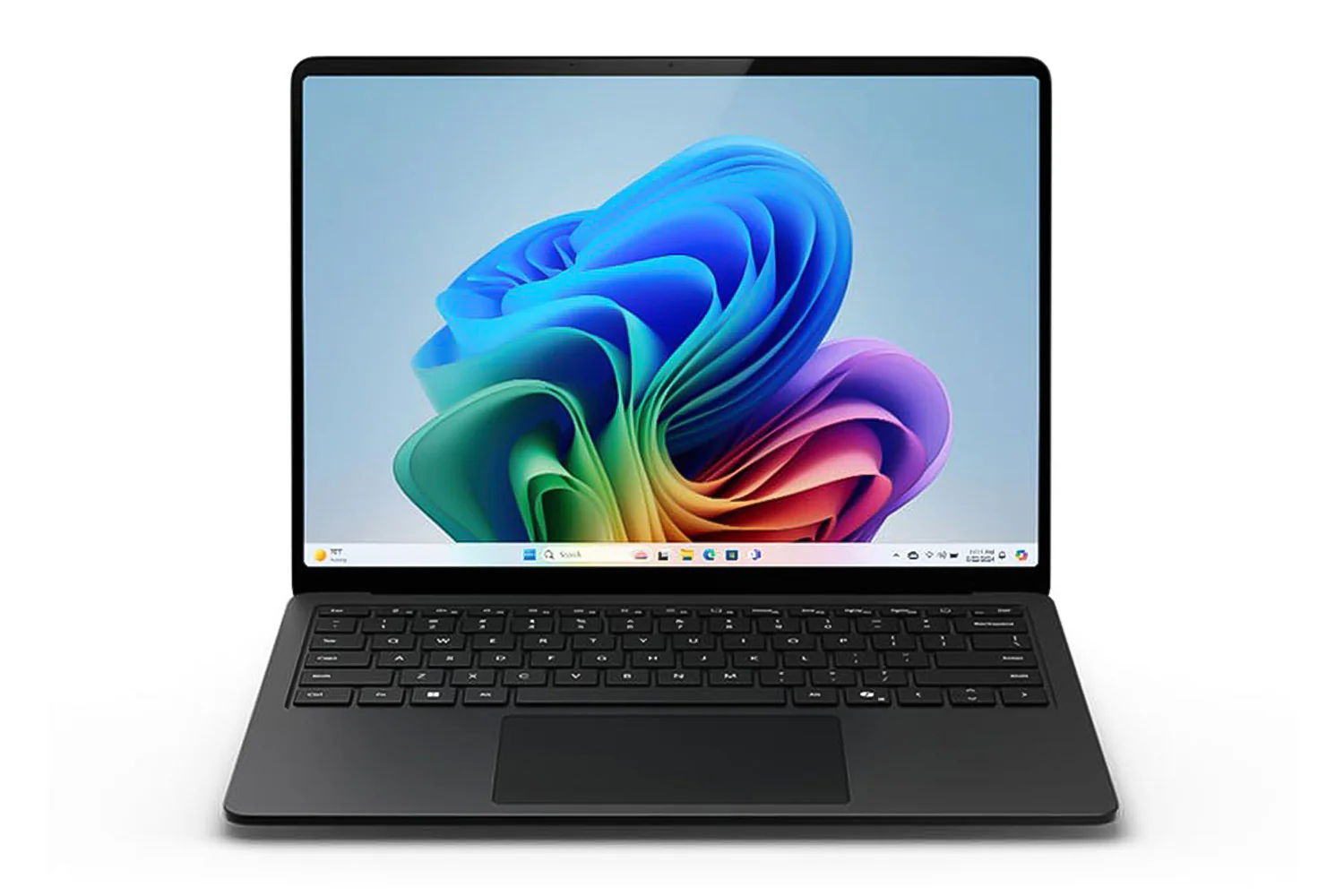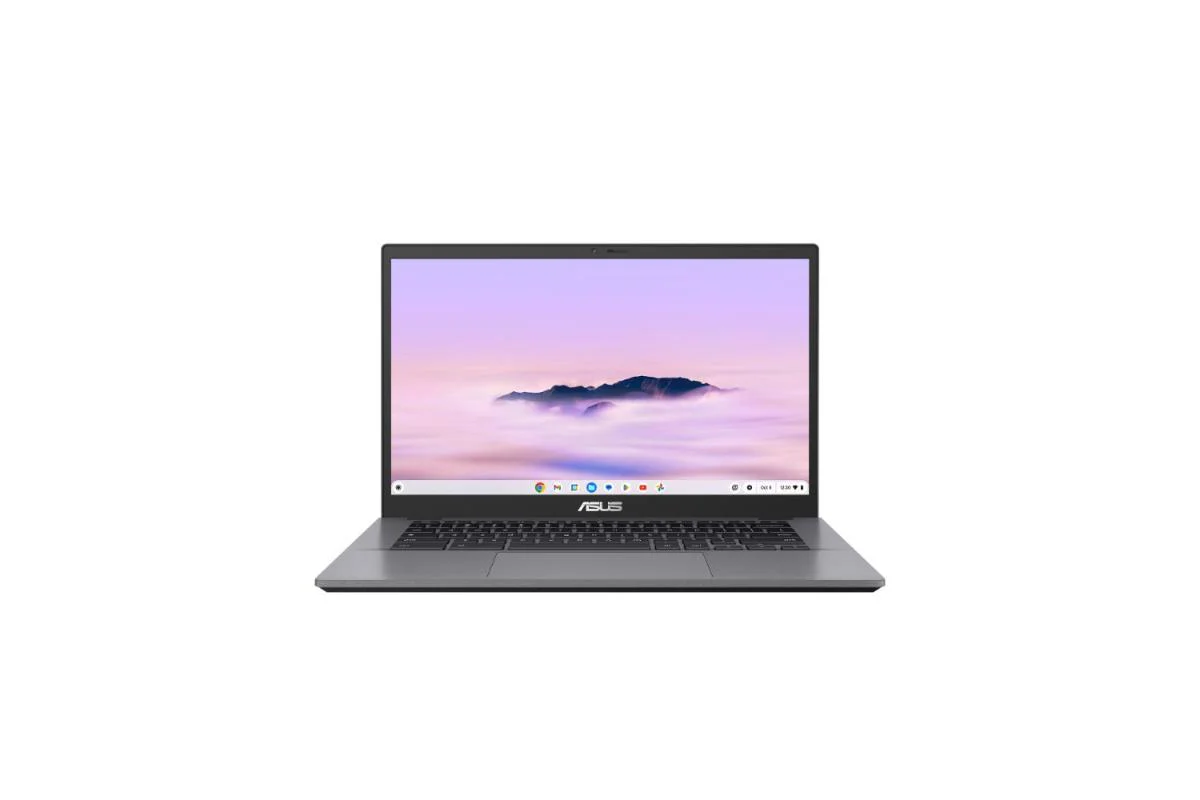
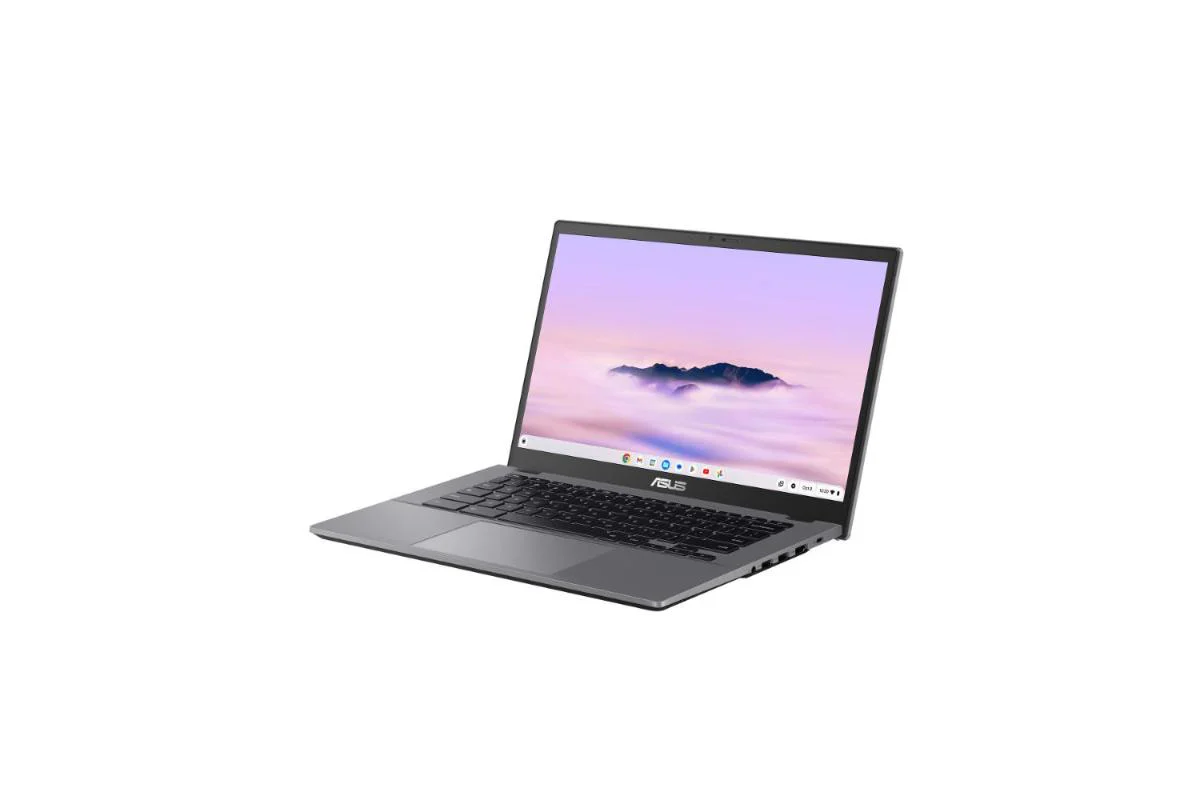


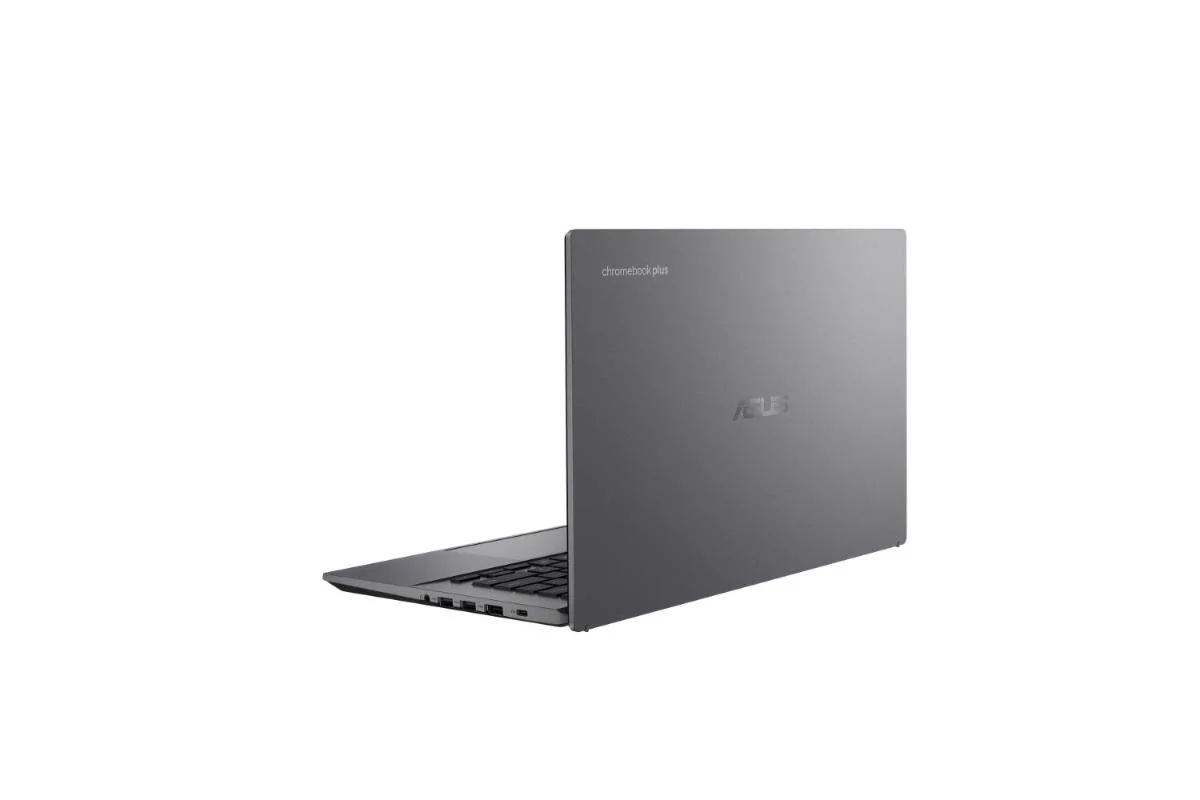
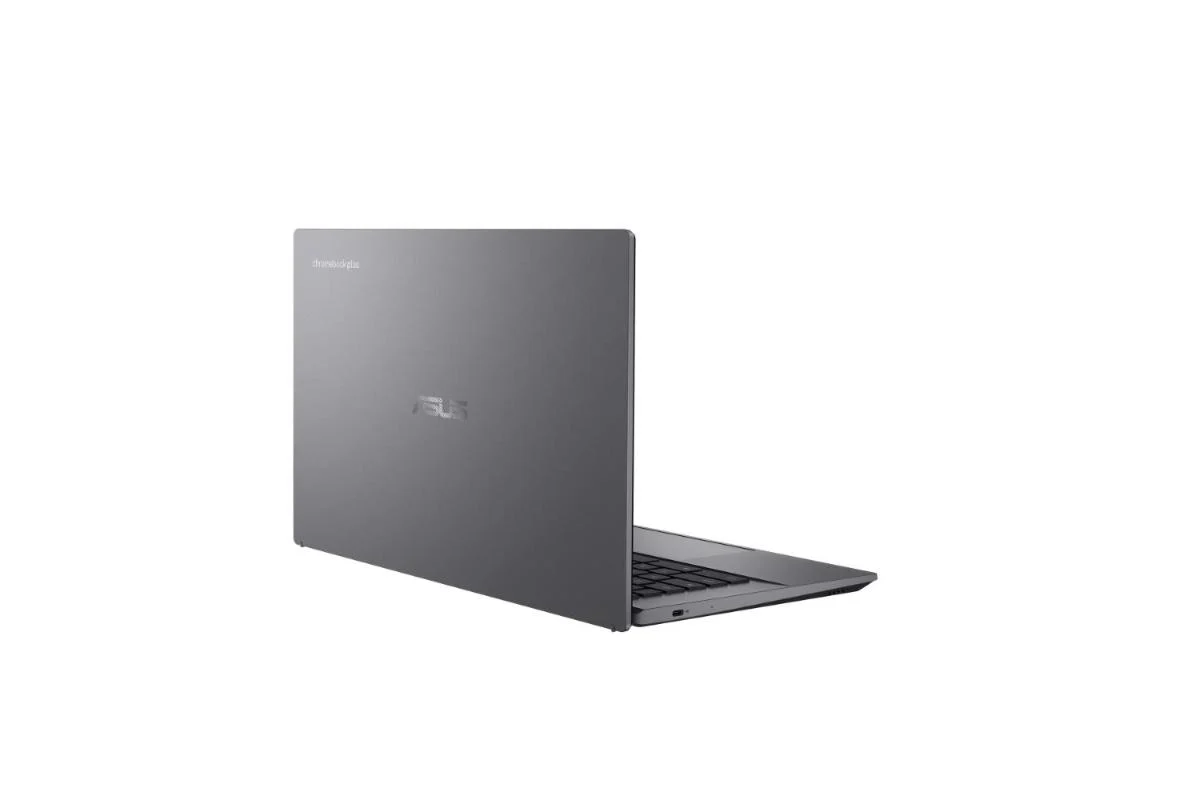
ASUS Chromebook Plus CX34 14" Intel Core i3 | 8GB | 256GB | Rocky Grey
Check out the video:
Performance
The Power to Stay Productive
Powered by up to an Intel 12th Core i7 processor with 16 GB of memory, and featuring a large capacity of up to 512 GB SSD or up to 256 GB UFS storage, ASUS Chromebook Plus CX34 delivers the performance and responsiveness required for incredible productivity. It also runs for up to 10 hours[1] on a single charge, so you can work or play throughout the day, even when you’re on the move. Chromebook Plus also includes the apps you need to make magic, productively. Adobe Photoshop[2] and Adobe Express, for example, let you quickly and easily edit standout photos or create social graphics, flyers, business cards, and more. And with LumaFusion, transform raw footage into stunning video with features like track layering, audio mixing, custom titling, and keyframing.
Check out the video:
Display
Seamless Visuals
ASUS Chromebook Plus CX34 is engineered with a Full HD touch[3] display to deliver glorious visuals while remaining productive. The three-sided NanoEdge design maximizes screen space for immersive viewing experiences - so it’s ideal for work or entertainment, at home or away.
- 3-sided NanoEdge display
- Up to Full HD touch screen[2]
Design
Easy Sharing, Everywhere
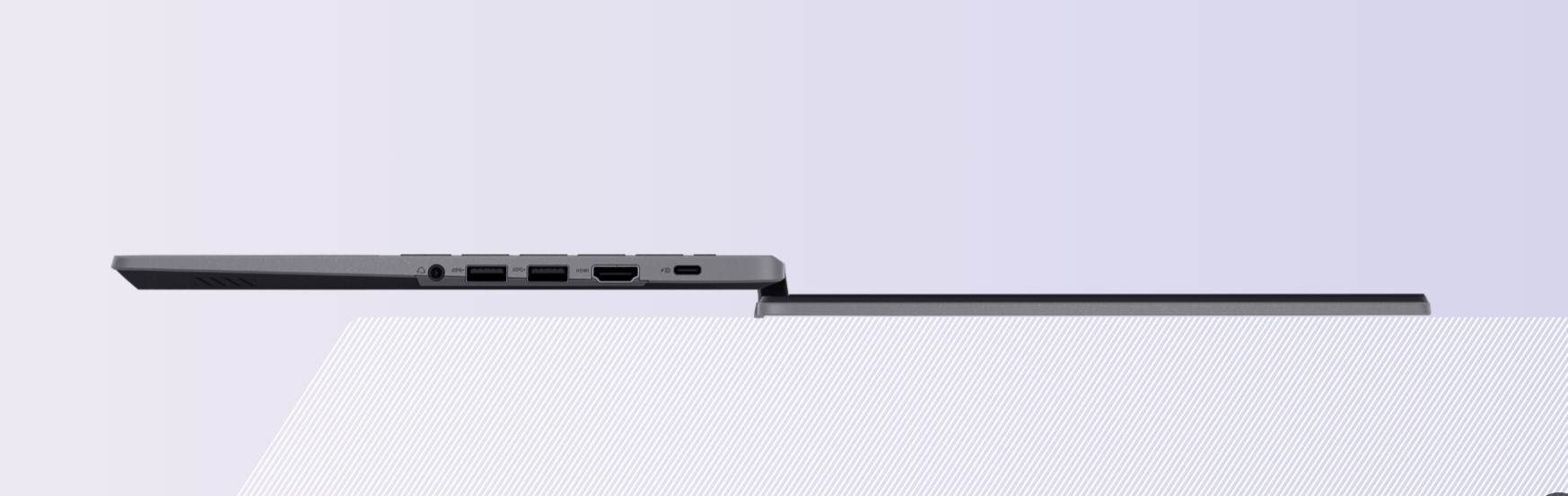
ASUS Chromebook Plus CX34 makes group discussions and the sharing of visuals and ideas effortless, thanks to its sleek and lightweight design, coupled with durable hinges that allow for a complete 180-degree flat position. This feature facilitates seamless collaboration among colleagues, clients, classmates and even friends!
- Light design
- 180° lay-flat hinge
Best of Google
For both work and relaxation, ASUS Chromebook Plus CX34 is your gateway to the very best of Google’s powerful cloud-centered operating system. You’ll enjoy full access to Google Play and find the apps you love to be productive, get entertained, play games or get creative.
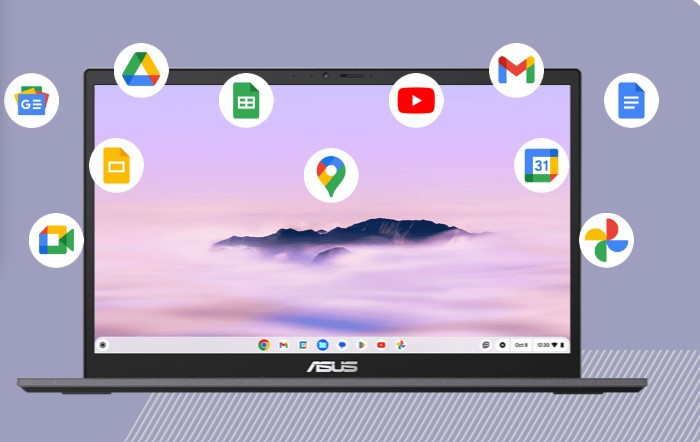
Google Play
Experience a vast array of digital content at your fingertips with Google Play[4] into an extensive collection of apps, games, music, movies, TV shows, books, and much more, directly from your device. ASUS Chromebook Plus CX34 opens a realm of boundless possibilities.
Keyboard
Ultimate Typing Experiences
From its keyboard to touchpad, typing and pointer control on ASUS Chromebook Plus CX34 is a delightful experience, boosted by a host of features and unique tweaks that enhance productivity and comfort.
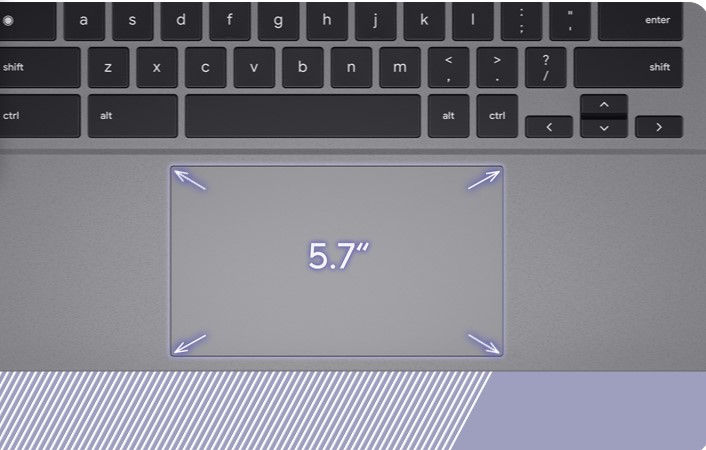
Expansive Touchpad
The 5.7-inch touchpad is optimized to give you smoother, more-responsive fingertip control, enhancing productivity for both work and school.
- Anti-microbial keyboard
- Full-size backlit keyboard
Chromebook Plus
More power, so you can do more.
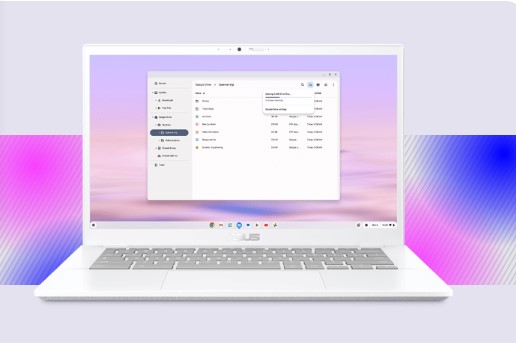
More Power to You
2x the speed, memory, and storage[5] - plus popular apps - gives you the power to do more. Write that novel or collaborate on projects with Google Docs, Sheets, and Slides. Edit stunning images and videos with Google Photos and Adobe Photoshop. And play 1,000s of top games - all on your Chromebook Plus.
Enhanced photo and video editing
Inspire your inner creator with the built-in Google Photos app on your Chromebook Plus. Get enhanced features like the AI powered Magic Eraser that easily removes unwanted background distractions and an HDR effect to enhance brightness and contrast. Use the revamped movie-creation tools to help you make high-quality movies with a few easy clicks.
Offline mode
No WiFi? No worries. Your Google Docs, Sheets and Slides are always accessible, whether online or offline13. And with up to 2x the storage1, Chromebook Plus constantly syncs your files to File Manager, so you can have them available offline and create whenever inspiration strikes.
Crystal clear video calls
With a 1080p webcam and built-in AI-powered video call controls that automatically enhance clarity and lighting, cancel noise, and blur backgrounds — you’ll always look and sound your best, no matter what app you use. Mute your mic and turn off your camera with one click for added privacy and convenience.
Minecraft
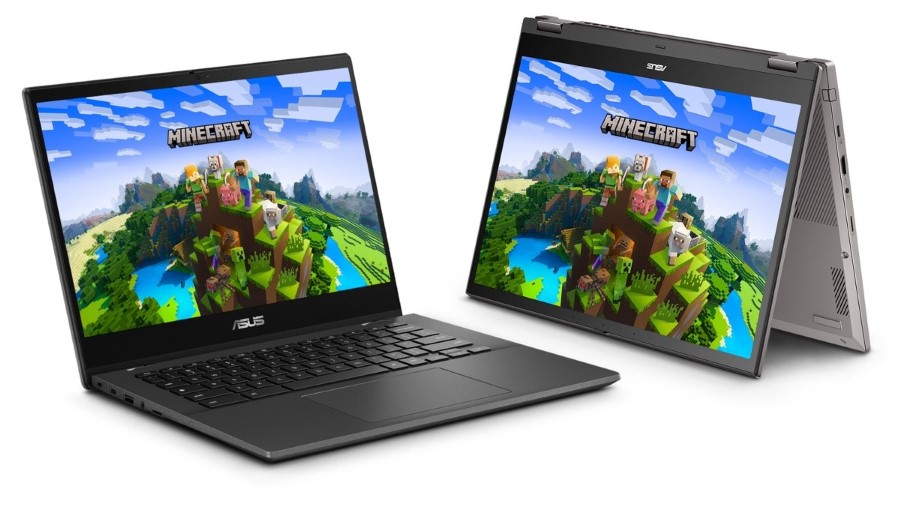
Minecraft is Here
Like ghasts and the Nether, Minecraft and Chromebooks18 are better together! The blocky game you know and love is now on Chromebook[6], which means you can mine, craft, survive and explore in a vast open world, with seamless cross-play with friends wherever they play Minecraft Bedrock. Download from the Play Store on Chromebook today[7].
Notes:
1. Actual battery life depends on usage, specifications, applications and environment, among other factors.
2. Subscription required.
3. Touchscreen is an optional feature.
4. Internet connection required. Google Play is a trademark of Google LLC.
5. When compared to top selling Chromebooks from July 2022 to Dec 2022.
6. Only devices that meet early access minimum requirements can run the game. Requirements include-- Operating System: ChromeOS 111, System Architecture: 64-bit (x86_64, arm64-v8a), Processor: Intel Celeron N4500, Intel i3-7130U, Mediatek MT8183, Qualcomm SC7180, AMD Ryzen 3 3250C or better, Memory: 4 GB RAM, Storage: Minimum of 1 GB game installation, maps, and other files.
7. The models shown are CM3401 and CM1402.
Product Features:
- Audio: Built-in array microphone, Built-in speaker
- Security: Titan C security chip
- Camera: 1080p FHD camera, With privacy shutter
Product Information
Product Information
Shipping & Returns
Shipping & Returns
Description
Check out the video:
Performance
The Power to Stay Productive
Powered by up to an Intel 12th Core i7 processor with 16 GB of memory, and featuring a large capacity of up to 512 GB SSD or up to 256 GB UFS storage, ASUS Chromebook Plus CX34 delivers the performance and responsiveness required for incredible productivity. It also runs for up to 10 hours[1] on a single charge, so you can work or play throughout the day, even when you’re on the move. Chromebook Plus also includes the apps you need to make magic, productively. Adobe Photoshop[2] and Adobe Express, for example, let you quickly and easily edit standout photos or create social graphics, flyers, business cards, and more. And with LumaFusion, transform raw footage into stunning video with features like track layering, audio mixing, custom titling, and keyframing.
Check out the video:
Display
Seamless Visuals
ASUS Chromebook Plus CX34 is engineered with a Full HD touch[3] display to deliver glorious visuals while remaining productive. The three-sided NanoEdge design maximizes screen space for immersive viewing experiences - so it’s ideal for work or entertainment, at home or away.
- 3-sided NanoEdge display
- Up to Full HD touch screen[2]
Design
Easy Sharing, Everywhere
ASUS Chromebook Plus CX34 makes group discussions and the sharing of visuals and ideas effortless, thanks to its sleek and lightweight design, coupled with durable hinges that allow for a complete 180-degree flat position. This feature facilitates seamless collaboration among colleagues, clients, classmates and even friends!
- Light design
- 180° lay-flat hinge
Best of Google
For both work and relaxation, ASUS Chromebook Plus CX34 is your gateway to the very best of Google’s powerful cloud-centered operating system. You’ll enjoy full access to Google Play and find the apps you love to be productive, get entertained, play games or get creative.
Google Play
Experience a vast array of digital content at your fingertips with Google Play[4] into an extensive collection of apps, games, music, movies, TV shows, books, and much more, directly from your device. ASUS Chromebook Plus CX34 opens a realm of boundless possibilities.
Keyboard
Ultimate Typing Experiences
From its keyboard to touchpad, typing and pointer control on ASUS Chromebook Plus CX34 is a delightful experience, boosted by a host of features and unique tweaks that enhance productivity and comfort.
Expansive Touchpad
The 5.7-inch touchpad is optimized to give you smoother, more-responsive fingertip control, enhancing productivity for both work and school.
- Anti-microbial keyboard
- Full-size backlit keyboard
Chromebook Plus
More power, so you can do more.
More Power to You
2x the speed, memory, and storage[5] - plus popular apps - gives you the power to do more. Write that novel or collaborate on projects with Google Docs, Sheets, and Slides. Edit stunning images and videos with Google Photos and Adobe Photoshop. And play 1,000s of top games - all on your Chromebook Plus.
Enhanced photo and video editing
Inspire your inner creator with the built-in Google Photos app on your Chromebook Plus. Get enhanced features like the AI powered Magic Eraser that easily removes unwanted background distractions and an HDR effect to enhance brightness and contrast. Use the revamped movie-creation tools to help you make high-quality movies with a few easy clicks.
Offline mode
No WiFi? No worries. Your Google Docs, Sheets and Slides are always accessible, whether online or offline13. And with up to 2x the storage1, Chromebook Plus constantly syncs your files to File Manager, so you can have them available offline and create whenever inspiration strikes.
Crystal clear video calls
With a 1080p webcam and built-in AI-powered video call controls that automatically enhance clarity and lighting, cancel noise, and blur backgrounds — you’ll always look and sound your best, no matter what app you use. Mute your mic and turn off your camera with one click for added privacy and convenience.
Minecraft
Minecraft is Here
Like ghasts and the Nether, Minecraft and Chromebooks18 are better together! The blocky game you know and love is now on Chromebook[6], which means you can mine, craft, survive and explore in a vast open world, with seamless cross-play with friends wherever they play Minecraft Bedrock. Download from the Play Store on Chromebook today[7].
Notes:
1. Actual battery life depends on usage, specifications, applications and environment, among other factors.
2. Subscription required.
3. Touchscreen is an optional feature.
4. Internet connection required. Google Play is a trademark of Google LLC.
5. When compared to top selling Chromebooks from July 2022 to Dec 2022.
6. Only devices that meet early access minimum requirements can run the game. Requirements include-- Operating System: ChromeOS 111, System Architecture: 64-bit (x86_64, arm64-v8a), Processor: Intel Celeron N4500, Intel i3-7130U, Mediatek MT8183, Qualcomm SC7180, AMD Ryzen 3 3250C or better, Memory: 4 GB RAM, Storage: Minimum of 1 GB game installation, maps, and other files.
7. The models shown are CM3401 and CM1402.
Product Features:
- Audio: Built-in array microphone, Built-in speaker
- Security: Titan C security chip
- Camera: 1080p FHD camera, With privacy shutter